
AI Personalization and Conversational Interfaces: Web Design Trends for Southeast Alaska
Websites are shifting from static brochures to something closer to a helpful front desk. We look at AI-driven personalization, conversational interfaces and AI-readable sites, why they are spreading, and what they mean for businesses serving cruise visitors, independent travelers and locals in Southeast Alaska.

At a glance
The short version
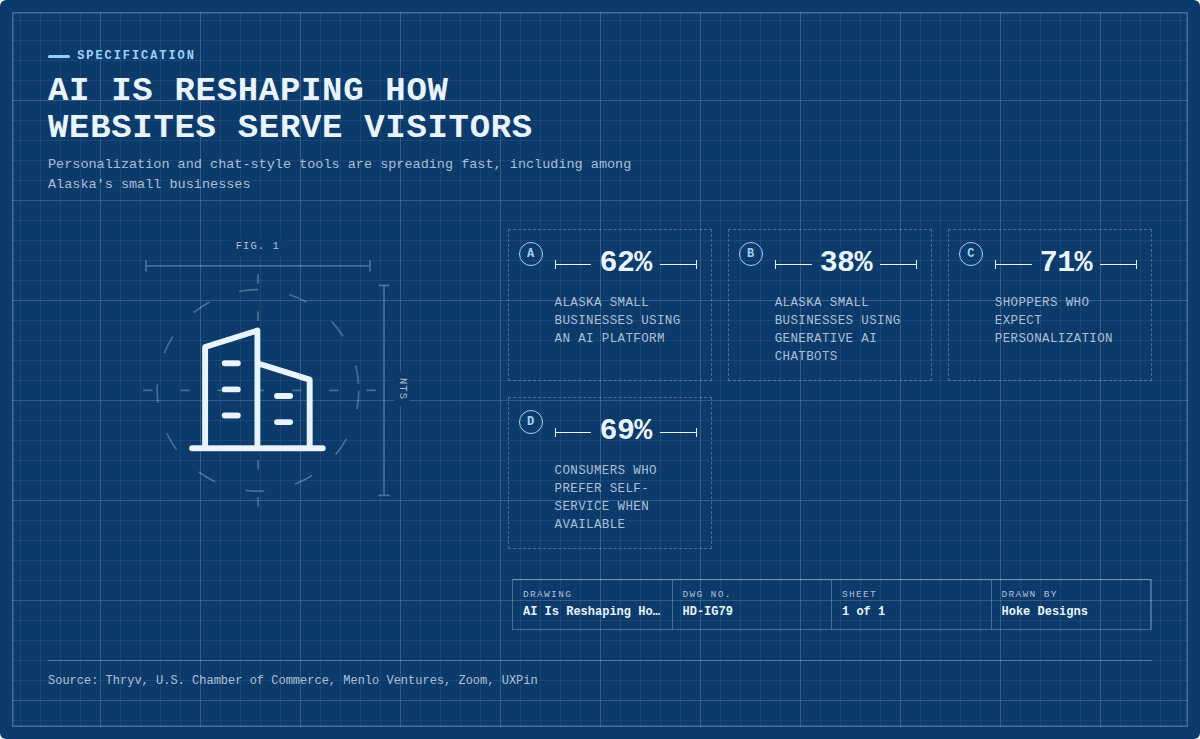
This infographic sums up the article on one page. Save it, share it with your team, or read on for the detail and the sources behind it.
In this article · 5 sections · 7 min
For most of the web’s history, a website was a brochure. It said the same thing to every visitor and waited for them to find what they needed. That model is changing. Two closely related web design trends, AI-driven personalization and conversational interfaces, are turning websites into something closer to a helpful front desk. A third trend sits behind both of them: websites now need to be readable by AI as well as by people.
Below, we look at how each trend works, why it is spreading so quickly, and what it means for businesses and organizations here in Southeast Alaska.
Why This Is Happening Now
AI has moved from novelty to everyday tool, both for the businesses building websites and for the people visiting them. In a national survey, Thryv found that the share of small businesses using AI rose from 39% in 2024 to 55% in 2025, which the company calls a 41% surge. Most respondents said AI is essential for reaching new customers.
Alaska is no exception. The U.S. Chamber of Commerce’s state data shows that 62% of Alaska’s small businesses use an AI platform and 38% use generative AI chatbots, and 91% believe AI will help their businesses in the future.
Visitors are just as comfortable with it. A Menlo Ventures survey of more than 5,000 U.S. adults found that 61% had used AI in the past six months, including 45% of Baby Boomers. AI is no longer only for early adopters. Your customers of every age are increasingly used to it.
Trend 1: AI-Driven Personalization
What it looks like
Personalization means a website adjusts what it shows based on who is visiting and what they seem to want. In practice, that might include:
- Highlighting different services for a first-time visitor and a returning customer
- Suggesting related products in an online store based on what someone is browsing
- Surfacing seasonal information, such as summer tours versus winter hours, at the right time
- Reordering content so the most relevant answer appears first
Simple rules have handled some of this for years. AI makes it faster and more adaptive, because it can spot patterns across many visits and adjust without someone hand-coding every scenario.
Why it’s popular
The short answer is that people now expect it. One roundup of personalization statistics reports that 71% of shoppers expect personalization, and that AI and AI agents drove 20% of holiday 2025 retail sales, worth $262 billion. Investment is following that demand. One market report values AI website personalization at USD 2.57 billion in 2025 and projects it will reach USD 6.62 billion by 2029, a compound annual growth rate of 26.7%.
Designers are treating it as a core feature, not an experiment. UXPin’s review of 2026 design trends notes that adaptive personalization is moving from experimental to standard practice in specific industries.
A Southeast Alaska angle
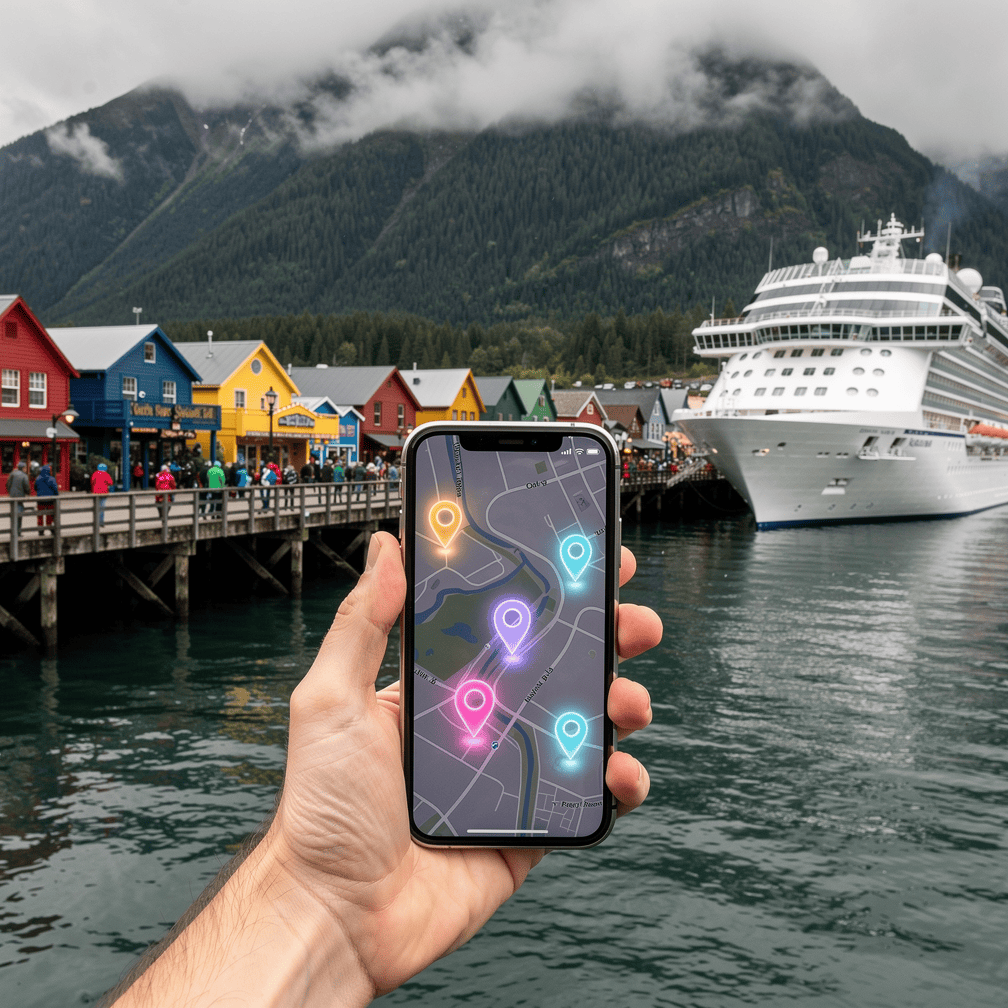
Personalization makes particular sense in a region whose audiences differ so much from one another. Juneau welcomed 1,733,016 large-ship cruise passengers in the 2026 season, its fourth record year in a row, even with voluntary daily passenger limits in place for the first time. Ketchikan’s tourism manager expected about 1.67 million cruise passengers for 2026, and Royal Caribbean moved some itineraries from Juneau to Icy Strait Point near Hoonah.
A tour operator or shop in this region may be serving a one-day cruise visitor, an independent traveler planning weeks ahead, and a year-round local, often all on the same website. Each of those visitors needs different information first. Personalization can help each one find their answer without wading through content meant for someone else.
Trend 2: Conversational Interfaces
What it looks like
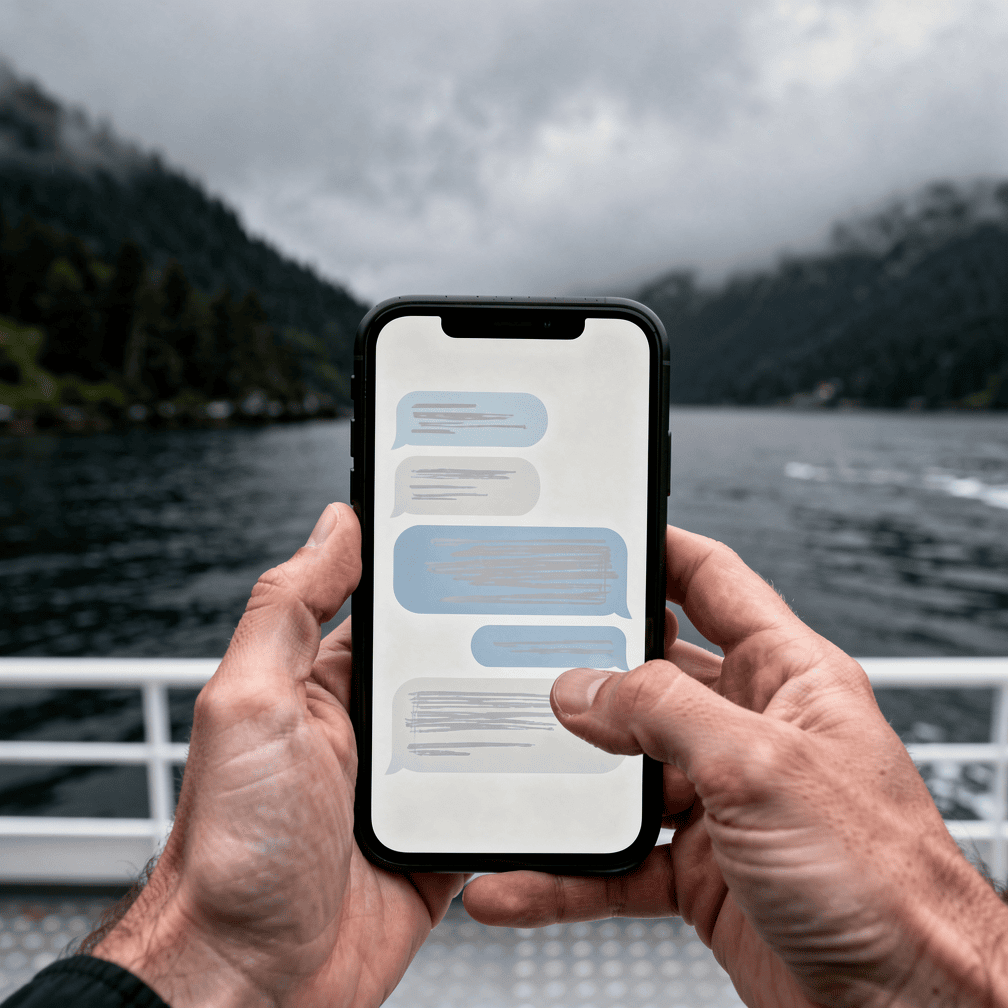
Conversational interfaces let visitors ask questions in plain language and get direct answers. Instead of clicking through menus, someone can type something like “Do you have anything available Saturday morning?” or “Which package fits a family of four?” These might be chat windows, voice interactions or search bars that understand full sentences.
The design world now treats this as foundational. UXPin’s 2026 trends list says that conversational UI, voice-first interactions and natural-language interfaces are now primary design patterns, not chatbot add-ons. That is a real shift. Early chatbots were often bolted onto the corner of a page. Today they are increasingly part of how a site is planned from the start.
Why it’s popular
People like getting answers on their own schedule. Zoom’s roundup of chatbot statistics reports that 60% of consumers use support chatbots when prompted, 77% of bot users at least sometimes solve their issue without a human, and 69% prefer self-service when it’s available.
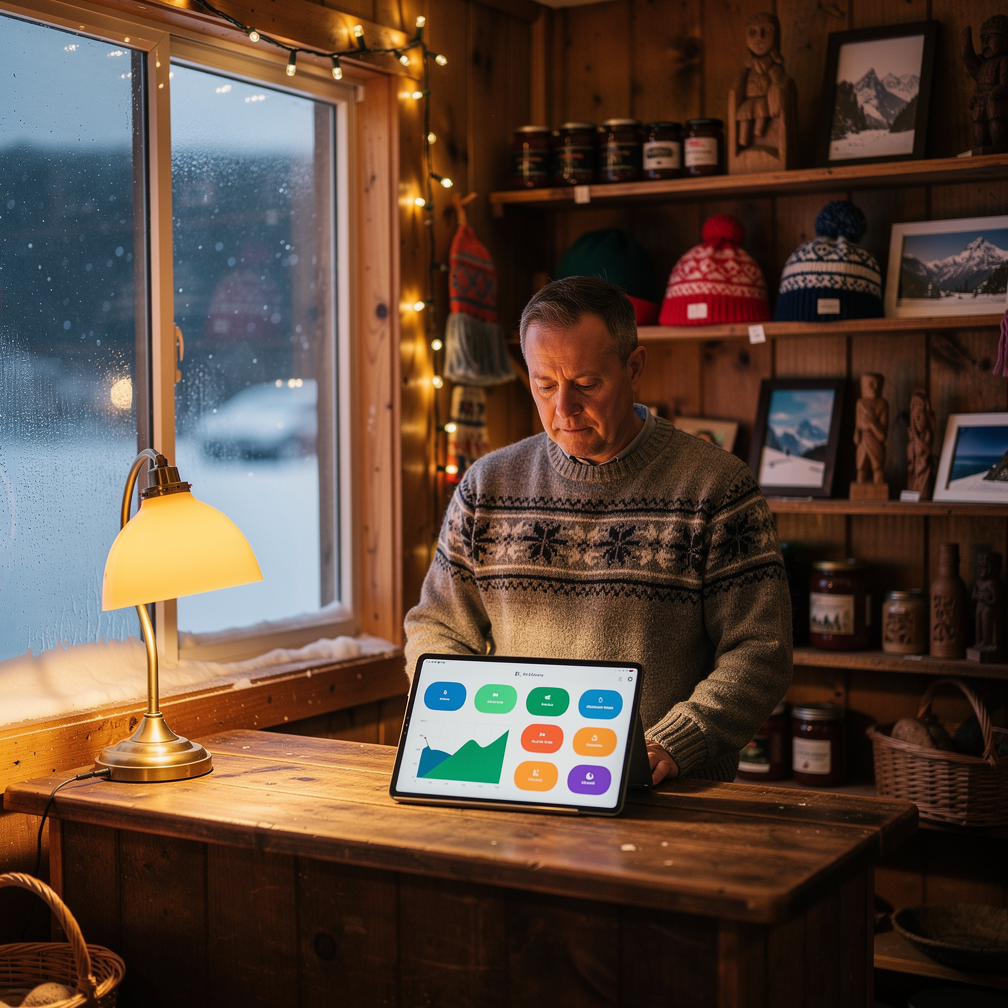
For a small business, that matters. Questions come in at night, on weekends and during the busiest weeks of the season, which is exactly when staff are stretched thinnest. A well-built conversational tool can handle routine questions and leave people free for the conversations that really need a human.
Doing it well
A poorly built chatbot can frustrate visitors faster than no chatbot at all. The best implementations share a few traits:
- Accurate source material. The tool should draw on your real hours, prices and policies, kept up to date.
- An easy path to a person. Visitors should always be able to reach a human when the bot can’t help.
- Clear limits. It’s better for a tool to say “I’m not sure, here’s how to reach us” than to guess.
- Respect for privacy. Be transparent about what information is collected and why.
Trend 3: Websites That AI Can Read
There is a quieter trend behind both of these. More people are finding businesses through AI-powered search tools that summarize answers rather than showing a list of links. If your site is hard for those tools to understand, you may be missed.
Alaska organizations are paying attention. The Alaska Small Business Development Center has released a tool called AI Search Advisor that helps small businesses check whether their websites show up in AI-powered search and what to do if they don’t. The Alaska SBDC, hosted by UAA’s Business Enterprise Institute, also runs an AI Resource Program focused on AI literacy, practical skills and readiness for Alaska entrepreneurs. Both are worth a look for any local business owner.

The good news is that what helps AI understand a site usually helps people too: clear structure, plain language, accurate details and well-organized pages.
What This Means for Your Website
You don’t need every new AI feature to benefit from these trends. A sensible starting point is to ask:
- Who are my main types of visitors, and does my site serve each of them quickly?
- What questions do customers ask over and over, and could my site answer them directly?
- Is my information clear and current enough for both people and AI tools to trust it?
At Hoke Designs, we have been designing websites in Juneau since 2007, and our sites are custom-designed rather than built from templates. Features such as reservations and appointment booking, calendars and events, and e-commerce stores all lay the groundwork for a site that responds to what visitors actually need, and we offer live demos of those features so you can try them before deciding. Because design, development, hosting and SEO sit under one team, it’s easier to plan these pieces together instead of adding them one at a time.
Websites are learning to talk back. The goal isn’t to make your site sound like a robot. It’s to make it feel more like the helpful, knowledgeable people who run your business.
If you’d like to talk through what makes sense for your site, call (424) 209-8199 or send a message via our contact form, and a person will reply within one business day.
Images are presented for illustration purposes only.We use real photographs when we need to show what was happening at a real event.
Keep reading
More on Web Design
Variable Fonts and Custom Cursors: Small Web Design Trends
Variable fonts and expressive custom cursors are two small details that can make a website feel more polished and more like the brand behind it. We…
Sticky Navigation and Thumb-Zone Design: Where Menus Belong Now
Menus no longer have to sit in one row at the top of the page. We explain how sticky headers and thumb-zone design help visitors find…
Kinetic Typography and Anti-Design: Web Design That Breaks the Rules
Moving headlines and deliberately rough layouts are replacing the clean, template-driven look. Here is what kinetic typography and anti-design brutalism are and how designers use them.…
Hoke Designs
Questions about your own website?
Talk to the team that writes these articles and looks after dozens of sites every day. You’ll get a straight answer.