

How Card Skimmers Hide in WordPress Checkouts and Booking Forms
Magecart-style skimmers can copy every card typed into a WooCommerce or booking checkout while orders keep going through normally. This guide explains how they get in through third-party scripts, vulnerable plugins and unpatched platforms. It covers PCI DSS 6.4.3 and 11.6.1, Alaska's breach notification rules, and a practical hardening checklist.


At a glance
The short version
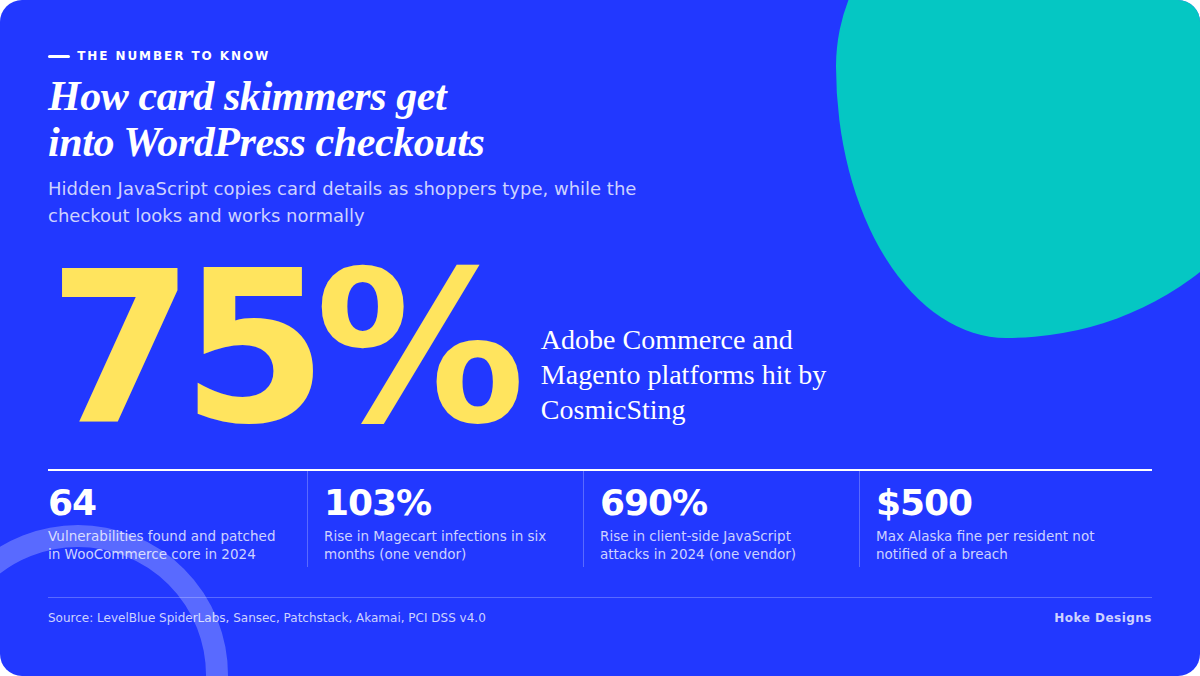
This infographic sums up the article on one page. Save it, share it with your team, or read on for the detail and the sources behind it.
In this article · 7 sections · 7 min
Yes, a WordPress store or booking site can leak every card number typed into its checkout without anything visibly breaking. Attackers do it by slipping a few lines of JavaScript into the payment page, usually through a third-party script or an outdated plugin, and that code quietly copies each card as it is entered. Below you’ll find how these attacks work, where they get in, and what you can do to close those openings.
What a Magecart-style attack actually is
Web skimming, also called formjacking or a Magecart attack, happens when an attacker injects malicious code into a website, captures what a user types into an HTML form, and sends it to a server the attacker controls. Your customer sees a normal checkout and the order goes through. Meanwhile a copy of their name, address and card details has gone somewhere else.
Big platforms are not the only targets. Akamai researchers found a Magecart-style campaign that could exploit sites built on Magento, WooCommerce, WordPress and Shopify, and they describe the main goal of these attacks as stealing personal information and credit card details from checkout pages. Large brands get hit too. LevelBlue SpiderLabs reports that skimmer code was injected into Cisco’s e-commerce website in September 2024.

The three main ways skimmers get onto your checkout
1. Third-party scripts you trust
Most checkout pages load code from other companies, such as analytics, chat widgets, heatmaps and marketing pixels. If one of those providers is compromised, your site serves the malicious code for them. Skimming code can reach a payment page through supply-chain attacks on third-party scripts such as web analytics and chat widgets.
Sansec documented a real example. A Brazilian Magecart group placed a card skimmer inside the analytics script of the e-commerce platform Convertr by exploiting an outdated Plausible install. Starting October 24, Convertr checkouts sent shoppers’ card details to a domain the attackers controlled. Sansec says the same group has infected dozens of Magento, OpenCart and WooCommerce stores.

2. Vulnerable plugins and themes
The second route is script injection that exploits weaknesses in content management systems, outdated plugins or unsecured dependencies. On WordPress, plugins are where most of that risk sits. Patchstack listed WooCommerce Payments among the top five new WordPress vulnerabilities with the most attempted exploits. It also described an unauthenticated stored XSS flaw in the tagDiv Composer plugin that let attackers inject malicious code into sites. A flaw like that does not need a stolen password. The attacker uses the bug to plant script, and the site serves it to every visitor.
3. Unpatched platform flaws
Sometimes the e-commerce platform itself is the weak point. According to LevelBlue, the CosmicSting attack (CVE-2024-34102 and CVE-2024-2961) affected 75% of Adobe Commerce and Magento platforms and compromised thousands of e-commerce websites. WooCommerce gets this kind of attention as well. One security vendor’s analysis reports that 64 vulnerabilities were found and patched in WooCommerce core in 2024. The same analysis claims Magecart infections rose 103% in six months and client-side JavaScript attacks rose 690% that year. Those are one vendor’s figures, but they point the same way as the rest of the research.
Why booking and reservation sites are targets too
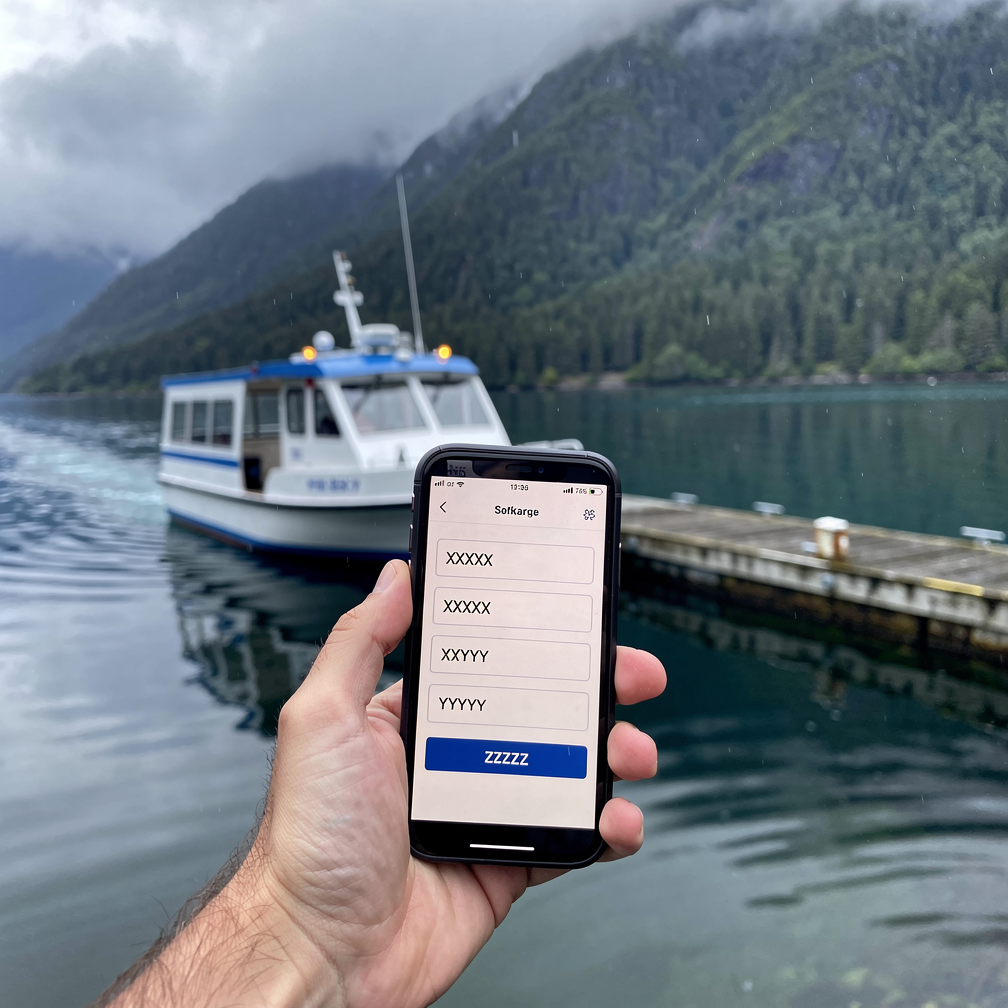
Skimmers go after any form that collects payment details. That includes a deposit field on a tour booking or a card on file for a charter, not only a shopping cart. In Southeast Alaska, tourism, marine and event businesses take a lot of their revenue online in a short season, and a skimmer that goes unnoticed through the summer can capture a large number of cards. Plugin-based booking systems also add more code, and every extra component is another possible way in.
The rules you may need to meet
PCI DSS 6.4.3 and 11.6.1
PCI DSS v4.0 added two requirements aimed directly at e-skimming. Requirement 6.4.3 says every script on a payment page must be authorized, integrity-checked and listed in an inventory. Requirement 11.6.1 calls for a change- and tamper-detection mechanism that alerts staff to unauthorized changes. These were best practice until March 31, 2025 and have been mandatory since then. Under 11.6.1, you must check for unauthorized changes to payment page scripts, HTTP headers and content, as the shopper’s browser receives them, at least once every seven days.
Whether these requirements apply to you depends on which SAQ type you use to validate compliance. Your setup matters here. A checkout that redirects to the processor is treated differently from one that embeds payment fields on your own page. Ask your payment processor or a qualified security assessor which SAQ fits your setup.

Alaska breach notification
If card data is stolen, you also have legal obligations. Alaska’s breach notification law (Alaska Stat. § 45.48.010 et seq.) requires businesses to notify affected people “in the most expeditious time possible and without unreasonable delay,” and businesses that fail to notify residents face fines of up to $500 per resident. If an appropriate investigation finds no reasonable likelihood of harm, you don’t have to notify consumers, but you must notify the Alaska Attorney General in writing. Talk to an attorney before you decide how to respond to a suspected breach.
A hardening checklist for your checkout
Reduce what runs on the payment page
- List every script that loads on your checkout and booking pages, including scripts that other scripts pull in.
- Remove anything that isn’t needed for payment. Analytics, chat and marketing tags rarely need to run on the card entry step.
- Where your processor offers hosted payment fields or a redirect, consider using them so card numbers never touch your page’s code.
Keep the software current
- Update WordPress core, WooCommerce, payment gateways and booking plugins promptly, especially when a release is marked as a security fix.
- Delete plugins and themes you no longer use. Deactivated code can still be exploitable.
- Keep self-hosted third-party tools up to date. The Convertr case started with an outdated analytics install.
Watch for changes
- Use a Content Security Policy to limit which domains your checkout can load scripts from and send data to.
- Use Subresource Integrity on external scripts where the provider supports it, so a modified file won’t run.
- Set up monitoring that alerts you when payment page scripts or headers change. If PCI 11.6.1 applies to you, the check must run at least weekly.
Lock down access
- Require strong, unique passwords and two-factor authentication for every admin and hosting account.
- Give each user only the access they need, and remove accounts for people who have left.
When to bring in help
Much of this work is ongoing rather than a one-time setup. Script inventories drift and plugin vulnerabilities are disclosed every week. Monitoring alerts also need someone who knows what normal looks like for your site. If you run a store or booking site and don’t have that expertise in-house, a managed hosting and development partner can take on the patching, monitoring and review. Our own print shop runs on our e-commerce feature, so we treat checkout security as part of running a store. If you’re already a client, you can reach Nikol and the team through our support desk.
Key takeaways
- Magecart-style skimmers copy card data from your checkout form and leave no visible sign.
- They usually get in through compromised third-party scripts, vulnerable plugins or unpatched platforms.
- Keep your payment pages lean, update software promptly and monitor for script changes.
- PCI DSS 6.4.3 and 11.6.1 have been mandatory since March 31, 2025. Whether they apply depends on your SAQ type.
- Alaska law requires prompt breach notification, so consult an attorney if you suspect a compromise.
If you’d like a second set of eyes on your checkout, call (424) 209-8199 or send a message through our contact form, and a person will reply within one business day.
Images are presented for illustration purposes only.We use real photographs when we need to show what was happening at a real event.
Keep reading
More on Security

Forgotten WordPress Files That Leak Your Passwords: A Cleanup Checklist
Leftover files like debug.log, wp-config.php backups, exposed .git folders and old staging sites can hand attackers your database password without any hacking skill. This guide explains…

Your WordPress Padlock Isn’t Enough: SSL Gaps and Headers
A padlock in the browser means the connection is encrypted, not that your WordPress site is set up securely. We cover common SSL/TLS misconfigurations, how to…
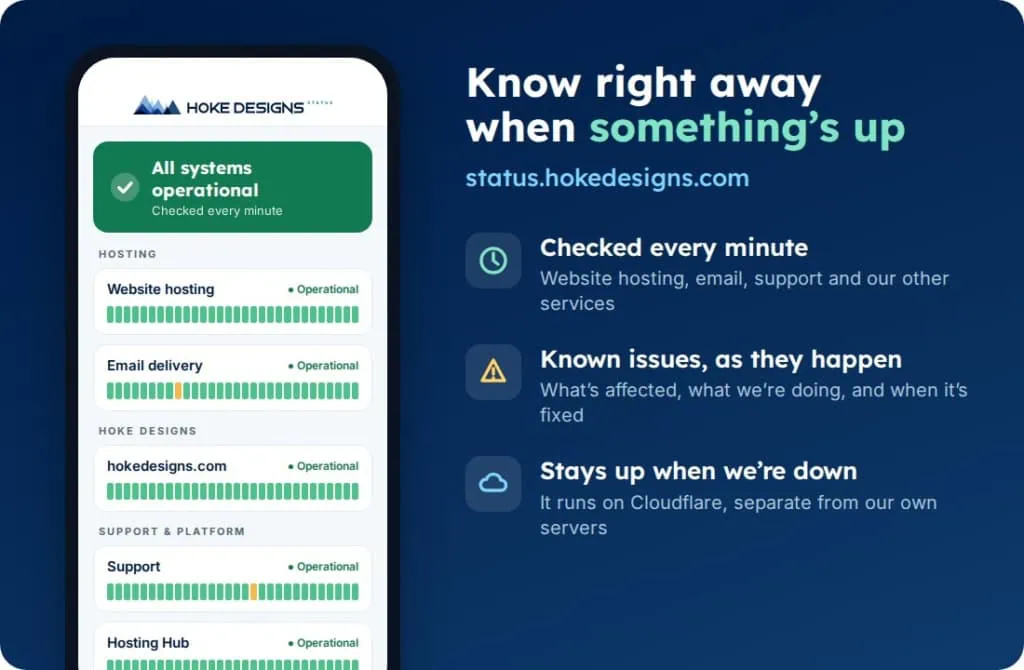
Introducing status.hokedesigns.com: Live Status for Every Hoke Designs Service
Our new status page shows, minute by minute, whether website hosting, email, support and our other services are running normally, along with any known issues and…
Hoke Designs
Questions about your own website?
Talk to the team that writes these articles and looks after dozens of sites every day. You’ll get a straight answer.