
Your WordPress Padlock Isn’t Enough: SSL Gaps and Headers
A padlock in the browser means the connection is encrypted, not that your WordPress site is set up securely. We cover common SSL/TLS misconfigurations, how to find and fix mixed content, and which security headers to add. You also get a checklist and notes on where HSTS and CSP can break things if rushed.


At a glance
The short version
This infographic sums up the article on one page. Save it, share it with your team, or read on for the detail and the sources behind it.
In this article · 8 sections · 7 min
If your site shows a padlock in the browser, the connection between your visitor and your server is encrypted, but that does not mean your site is configured securely. Many WordPress sites have a valid certificate and still leave gaps: pages that also load over plain HTTP, images or scripts pulled in insecurely, outdated protocol settings, and missing security headers that tell browsers how to protect your visitors.
The good news is that most of these problems can be found in an afternoon and fixed with a careful plan. Below, we walk through what the padlock does and does not promise, the most common misconfigurations, and a checklist you can work through. We also flag the places where one wrong setting can lock visitors out of your site, which is where a professional earns their keep.
What the Padlock Tells You (and What It Doesn’t)
An SSL/TLS certificate does two jobs. It proves your domain is yours, and it lets the browser set up an encrypted connection so nobody between your visitor and your server can read or alter the traffic. That matters a great deal for contact forms, logins, bookings and checkout pages.
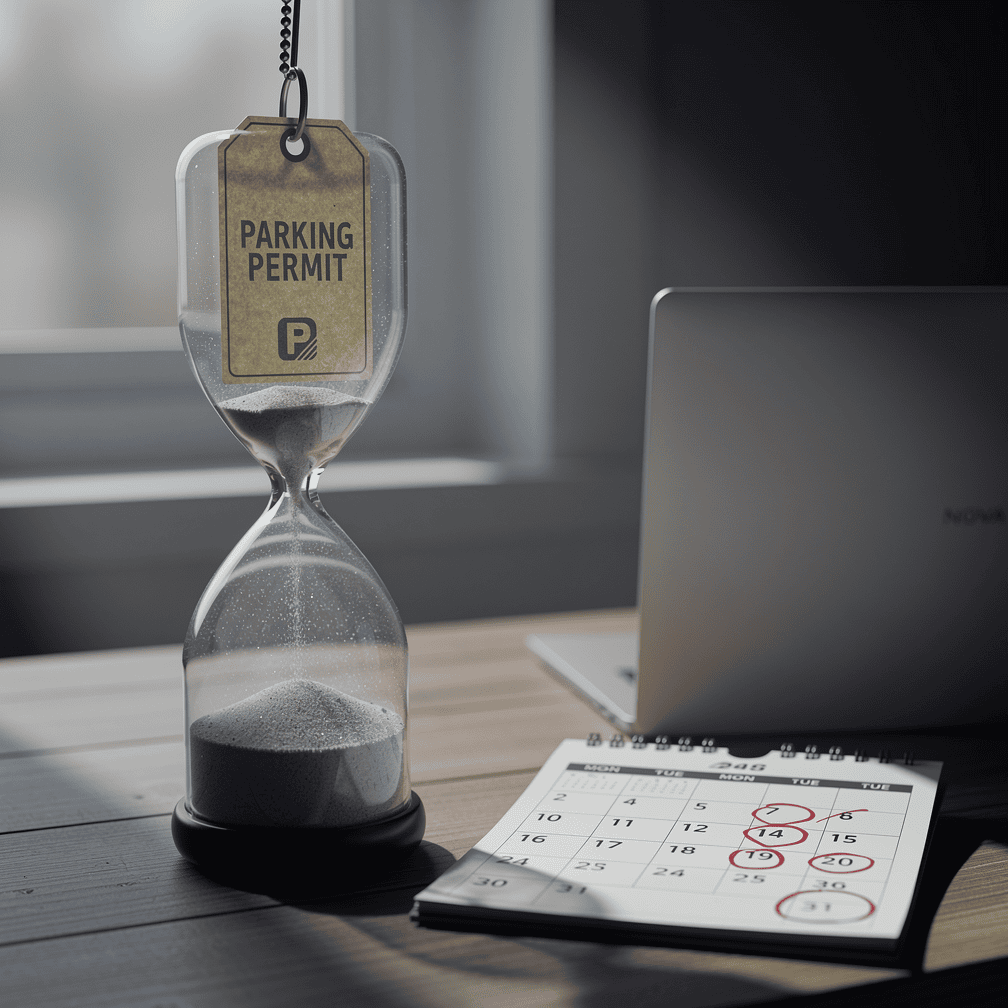
The padlock does not tell you:
- Whether every page and every file on the site is served over HTTPS
- Whether visitors who type your address without “https” get redirected to the secure version
- Whether your server still accepts old, weak protocol versions
- Whether your site sends the security headers that defend against common attacks
- Whether your plugins and themes are free of known vulnerabilities
Encryption protects data in transit. It does nothing about a vulnerable plugin running on the server itself.
Common SSL/TLS Misconfigurations to Look For
Expired or mismatched certificates
Free certificates typically renew every 90 days. If automatic renewal quietly fails, visitors see a full-page browser warning, and most of them will leave. Also check that your certificate covers both yourdomain.com and www.yourdomain.com, plus any subdomains you actually use, such as a shop or booking subdomain.
No forced redirect to HTTPS
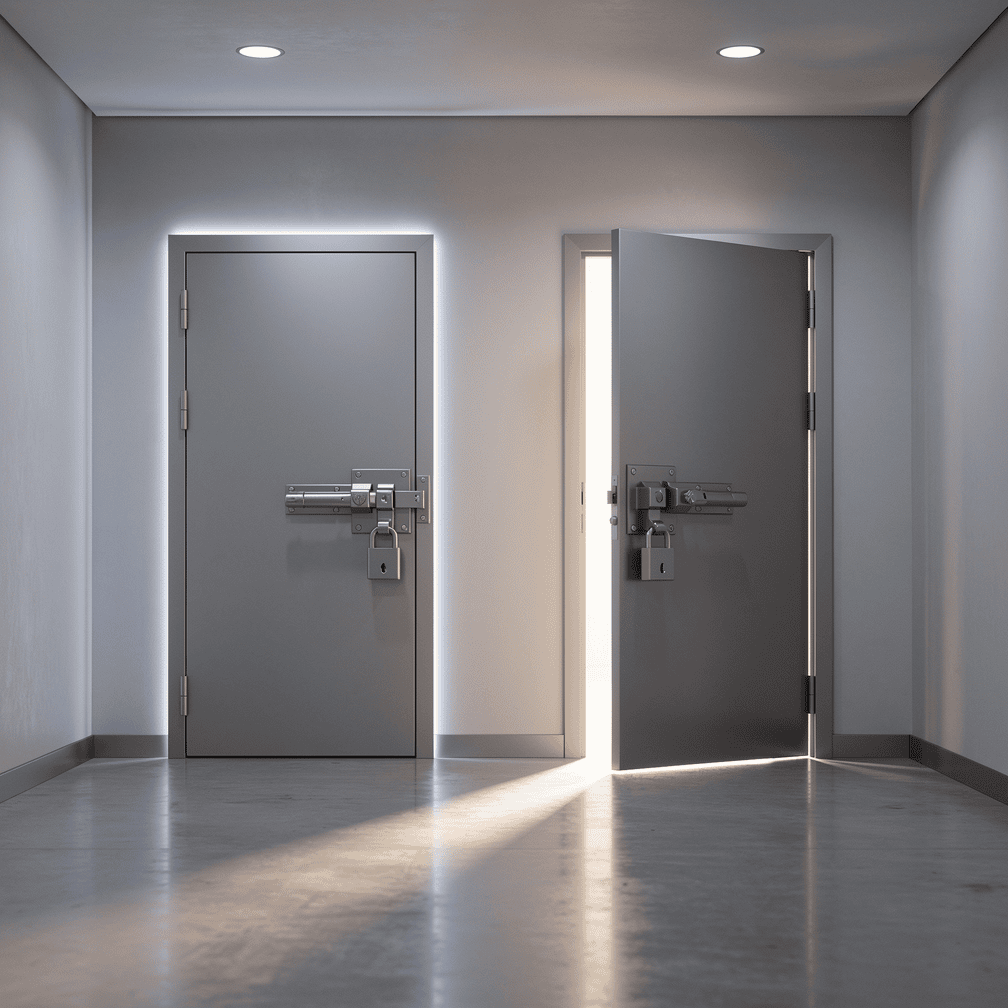
Having a certificate is not the same as using it everywhere. If http://yourdomain.com still loads a page instead of redirecting, some visitors and some old links will reach an unencrypted version of your site. Test this by typing your address with http:// in a private browser window.
WordPress still thinks it lives at http://
In WordPress, go to Settings > General and check that both the WordPress Address and the Site Address begin with https://. If they don’t, WordPress will keep generating insecure links.
Outdated protocol versions
TLS 1.0 and 1.1 have been formally deprecated, and modern browsers no longer use them. Your server should offer TLS 1.2 and TLS 1.3. On shared or DIY hosting, this is often a server-level setting you may not be able to change yourself, so ask your host.
Mixed Content: The Quiet Leak
Mixed content happens when a page loads over HTTPS but pulls in some resources, such as images, scripts, stylesheets, fonts or embedded iframes, over plain HTTP. Browsers block insecure scripts outright, which can break menus, forms or sliders. Insecure images may load with a warning and a downgraded padlock.

Mixed content usually comes from:
- Old posts and pages with hard-coded
http://image links from before the site moved to HTTPS - Theme or page-builder settings that store full URLs
- Third-party embeds, such as old video players, maps or widgets
- Custom code in the theme or a child theme
How to find and fix it
- Open a page, right-click, choose Inspect, and look at the Console tab. Mixed content warnings name the exact file.
- Check your most important pages first: home, contact, booking and checkout.
- Take a full backup of files and database before changing anything.
- Update stored URLs from
http://yourdomain.comtohttps://yourdomain.comusing a proper search-and-replace tool that handles WordPress’s serialized data. A plain text find-and-replace in the database can corrupt settings. - Replace or remove any third-party embed that cannot load over HTTPS.
- Recheck the console, then clear any caching plugin and your CDN cache.
Plugins that rewrite URLs on the fly can paper over the problem, but fixing the stored links is cleaner and adds one less plugin to maintain.
Missing Security Headers
Security headers are short instructions your server sends with each page, telling the browser how to behave. They are invisible to visitors and cost nothing, yet many sites don’t send them. There is progress: the HTTP Archive’s 2024 Web Almanac found that Strict-Transport-Security grew more than any other security header since 2022, rising 5.3 percentage points, with X-Content-Type-Options up 4.9 points and Content-Security-Policy up 4.2 points. Even so, the same report projected that Content Security Policy adoption might only pass 20% of sites in its next edition, which would still leave most websites without one.
The headers worth knowing
- Strict-Transport-Security (HSTS): tells browsers to always use HTTPS for your domain, closing the gap before a redirect happens.
- Content-Security-Policy (CSP): lists which sources are allowed to supply scripts, styles and other content. This matters for WordPress because cross-site scripting (XSS) was the most common WordPress vulnerability type in 2024, at 47.69% of the total, and CSP is designed to reduce the impact of that kind of attack.
- X-Content-Type-Options: nosniff: stops browsers from guessing file types, which blocks a class of content-confusion tricks.
- X-Frame-Options or CSP frame-ancestors: prevents other sites from loading yours inside a hidden frame for clickjacking.
- Referrer-Policy: limits how much of your page URLs gets shared with other sites when visitors click outbound links.
Where to be careful
Two of these can cause real trouble if added carelessly. HSTS with a long duration means browsers will refuse to load your site over HTTP for that whole period. If your certificate later breaks, visitors can’t click past the warning, and submitting to the browser preload list is hard to undo. A strict CSP can silently break analytics, booking widgets, payment forms or embedded video. Start CSP in report-only mode, review what it would block, then tighten it.
Why This Matters More on WordPress
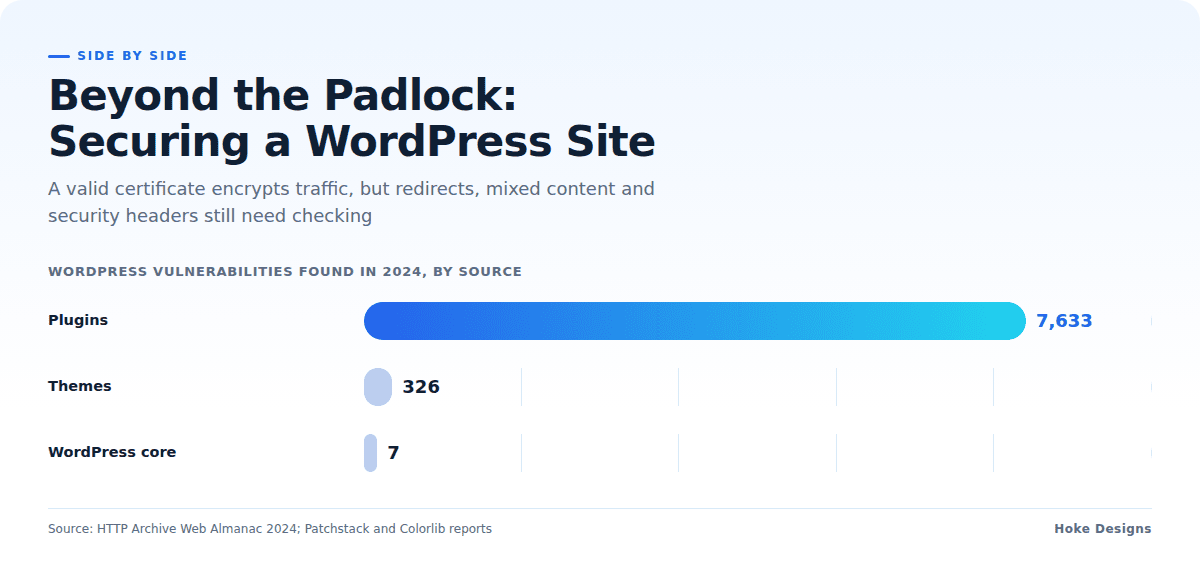
Headers and encryption are one layer. The WordPress ecosystem itself is a busy target. Researchers found 7,966 new WordPress ecosystem vulnerabilities in 2024, 34% more than the year before, or about 22 per day. Of those, plugins accounted for 7,633, themes for 326, and WordPress core for only seven. As reported by Colorlib, the count climbed again to 11,334 vulnerabilities in 2025, up 42% year over year, with plugins making up 91%.
A few more numbers put this in perspective:
- 43% of 2024’s WordPress vulnerabilities could be exploited without logging in.
- 33% were not fixed in time for public disclosure, so updating alone wasn’t always enough.
- 1,614 plugins and themes were removed from WordPress.org in 2024 over security problems, and many remain installed on live sites.
- As reported by Colorlib, traditional defenses blocked only 12% of WordPress-specific attacks in Patchstack’s 2025 penetration tests.
A CSP header won’t patch a vulnerable plugin, but it can limit what an injected script is able to do. Good security is layered: encryption, headers, updates, fewer plugins, and someone watching.
Your Encryption and Headers Checklist
- Confirm your certificate is valid, covers www and non-www, and renews automatically.
- Test that every
http://address redirects tohttps://. - Check that both WordPress URLs in Settings > General use https.
- Ask your host to confirm TLS 1.2 and 1.3 are enabled and older versions are off.
- Scan key pages in the browser console for mixed content and fix the stored URLs after a backup.
- Add X-Content-Type-Options, frame protection and Referrer-Policy.
- Add HSTS with a short duration first, and lengthen it only once everything is stable.
- Roll out CSP in report-only mode before enforcing it.
- Remove plugins and themes you don’t use, and replace any that have been pulled from WordPress.org.
- Recheck after every major theme change, plugin addition or host move.
When to Bring in a Professional
Plenty of this is DIY-friendly. Where it gets risky is server configuration, database search-and-replace, HSTS durations and CSP rules that need to account for every script your site relies on. A mistake there can take a booking system or store offline during your busy season.
At Hoke Designs, we’ve been designing websites since 2007, and our design, development and managed hosting live under one team, so the person setting up your server also understands what your site needs to load. If you’re already a client, our support desk, led by Nikol, is the place to start with questions about your setup.
Key Takeaways
- A padlock means an encrypted connection, not a fully secure configuration.
- Force HTTPS everywhere, update WordPress URLs and use modern TLS versions.
- Find mixed content in the browser console and fix stored links after a backup.
- Add security headers, but introduce HSTS and CSP gradually.
- Most WordPress risk comes from plugins and themes, so keep them few, current and reputable.
If you’d like a second pair of eyes on your site’s encryption and headers, call (424) 209-8199 or send a message via our contact form, and a person will reply within one business day.
Images are presented for illustration purposes only.We use real photographs when we need to show what was happening at a real event.
Keep reading
More on Security
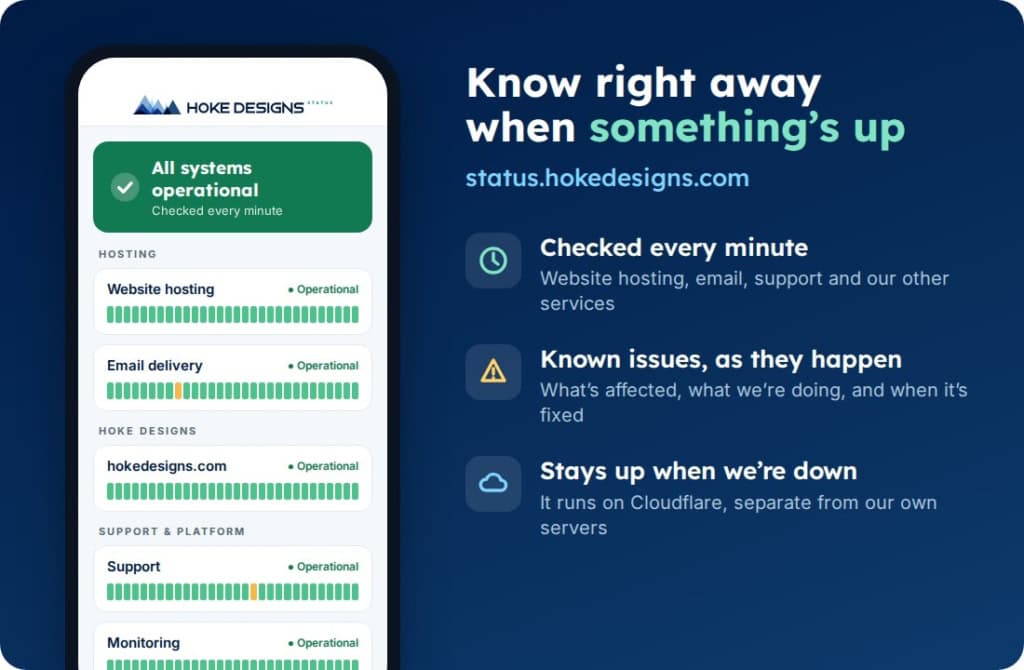
Introducing status.hokedesigns.com: Live Status for Every Hoke Designs Service
Our new status page shows, minute by minute, whether website hosting, email, support and our other services are running normally, along with any known issues and…
PHP2Shell: What It Is and How We Protected Your Website
PHP2Shell is a pair of critical flaws in PHP, the engine underneath WordPress and most of the web. Here’s what it means in plain English, why…
Can Your WordPress Site Be Hacked Without You Knowing?
Many WordPress infections are built to stay invisible to the site owner. They show spam only to search engines or redirect only some visitors. Learn the…
Hoke Designs
Questions about your own website?
Talk to the team that writes these articles and looks after dozens of sites every day. You’ll get a straight answer.