
Variable Fonts and Custom Cursors: Small Web Design Trends
Variable fonts and expressive custom cursors are two small details that can make a website feel more polished and more like the brand behind it. We look at how each trend is being used, why it has caught on, and what to watch for with performance, browser support and accessibility before adding either one to your own site.

At a glance
The short version
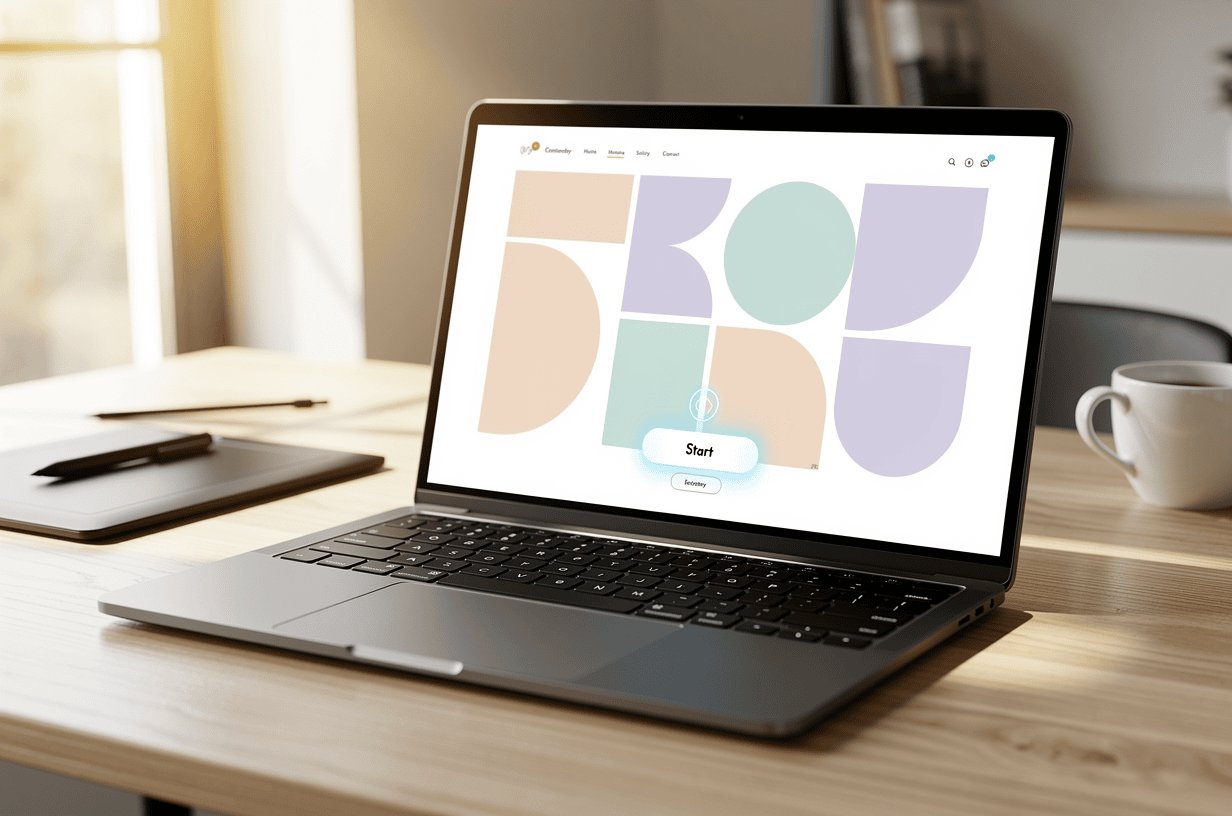
This infographic sums up the article on one page. Save it, share it with your team, or read on for the detail and the sources behind it.
In this article · 5 sections · 7 min
When people talk about web design trends, they usually mean big things like bold hero images, full-screen video or dramatic color palettes. Some of the most interesting changes in recent years are much smaller. They are in the letters you read and the pointer you move across the screen.
Two of these details stand out right now: variable fonts and expressive custom cursors. Neither one will redesign a website by itself. Used well, both can make a site feel more polished and more like the brand behind it. In this article we look at how each trend is being used, why it has become popular, and what to keep in mind before adding it to your own site.
Why Small Details Are Getting Attention
Many websites now share the same basic structure. There is a header, a large image, a few sections of text and a contact form. That consistency is useful because visitors know where to find things. It also means sites can start to look alike. Designers are giving websites a distinct personality through details that visitors feel more than notice: how a headline settles into place, how text weight changes as you scroll, or how the pointer reacts when it moves over a button.
Hoke Designs has been designing websites since 2007, and our sites are custom-designed rather than built from templates. Small touches like these are one way a custom site can feel different from the next one.

Trend One: Variable Fonts
What a variable font is
Traditionally, every style of a typeface was its own file. Regular, bold, light, italic and condensed each needed a separate download. A variable font works differently. It puts every variation of a typeface into one file, and designers can choose any point along its range of weights, widths or other built-in features.
So a variable font is not limited to “regular” and “bold.” A designer can pick a weight that sits between them, make a headline slightly wider for a banner, or adjust the text smoothly instead of jumping from one style to the next.
How they are being used
Variable fonts are popular for both practical and creative reasons. On the practical side, designers use them to fine-tune text for different screen sizes, for example by making a headline a little lighter or narrower on a phone so it fits without awkward line breaks. On the creative side, the smooth range between styles makes typographic animation possible. A word can grow heavier when a visitor hovers over it, or a heading can shift subtly as the page scrolls.
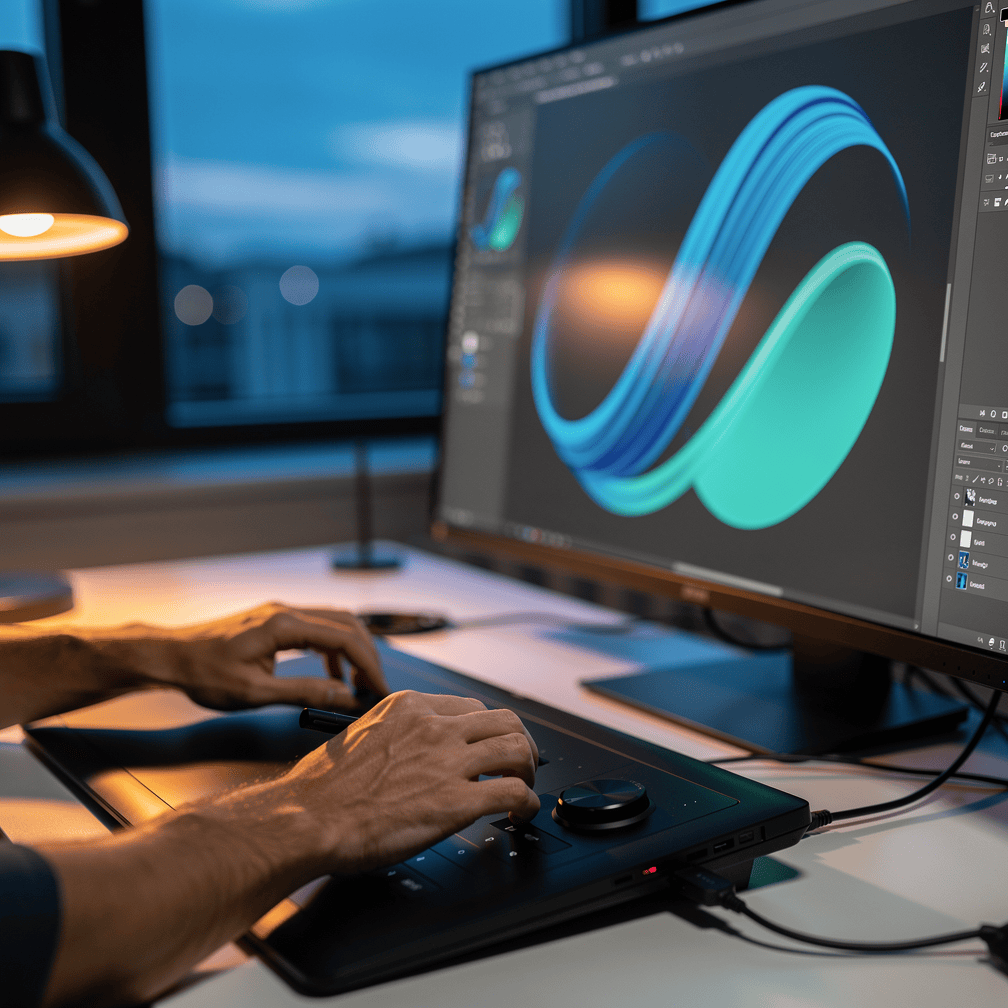
Webflow notes that variable fonts give designers finer control over font styles. That control is where much of the personality comes from. A brand can settle on a weight that suits it instead of choosing from a short list of presets.
Why they have caught on
The numbers show how quickly variable fonts have spread. Web fonts in general have become nearly universal. The HTTP Archive’s 2024 Web Almanac reported that web font usage grew from 0% of requests in 2010 to 87% in 2024, with variable font use picking up even faster.
Earlier figures show the same pattern. In 2022, nearly 29% of websites used variable fonts, close to triple the share measured in 2020, and Google Fonts served 97% of them. By 2025, the Web Almanac found that about 4 in 10 websites now use variable fonts. The same report found that Noto Sans JP is still the most-used variable font on the web, appearing on roughly a quarter of pages that use variable fonts.
Performance is a big part of the appeal. Because one file can replace many, variable fonts can make pages lighter. In one Monotype experiment described by web.dev, 48 separate fonts were stored in one variable font file, cutting file size by 88%. Real websites have seen gains too. After the CKEditor website team switched to variable fonts and font subsetting, font data transferred per visitor dropped by 71%, to 26kB.

That matters to anyone whose visitors may be on slow or unreliable connections, including people browsing on a phone with weak signal. More typographic flexibility with less to download is an easy trade to make.
Trend Two: Expressive Custom Cursors
What is happening with cursors
For most of the web’s history, the mouse pointer was something designers left alone. That is changing. AddSearch lists playful cursors as a top 2025 web design trend and notes that many modern websites now use cursors customized to their site or brand, from simple shape changes to animations triggered by the cursor.
The idea is older than it seems. AddSearch points out that Myspace offered custom cursors on profiles in the mid-2000s. What has changed is the execution. Today’s custom cursors tend to be cleaner, more purposeful and closer to a brand’s visual identity.
How they are being used
The most common effects are subtle. According to Globe Runner, popular dynamic cursor effects include growing or shrinking over buttons and links, changing color to match the element being hovered, and changing shape, for example from an arrow to a hand or magnifying glass.
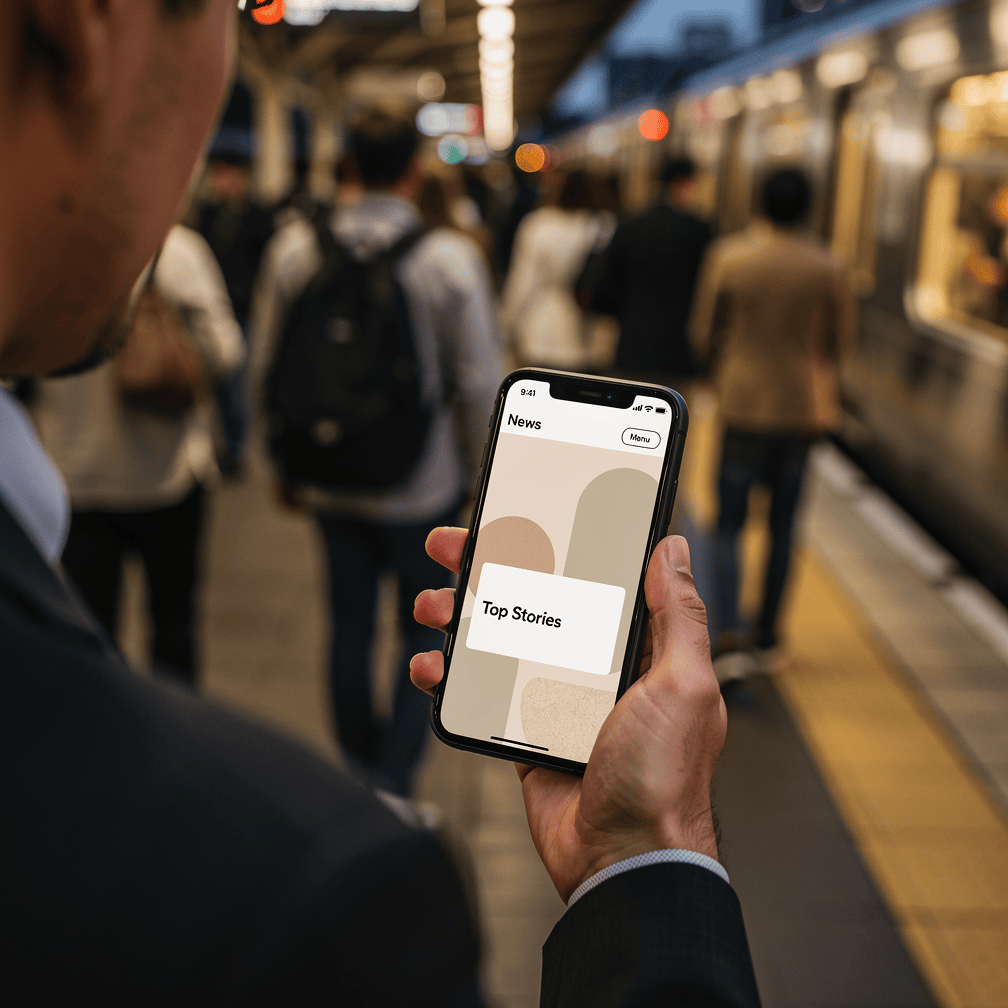
These effects do more than decorate the page. A cursor that grows over a link tells the visitor that something is clickable. A magnifying glass over a photo suggests that it can be enlarged. When the effect matches the action, the cursor becomes a small guide through the page.
Why they are popular
Custom cursors are popular because they are an inexpensive way to add personality to an interface. A photography portfolio might use a minimal circle that frames images. A playful brand might add a bit of motion. Either way, the site feels considered, and visitors notice that someone paid attention to the experience.
The accessibility caveat
This trend needs care. Custom CSS cursors loaded through the cursor property’s url() function override a user’s operating-system cursor accessibility settings, such as size and high contrast, which can create barriers for people with low vision. A cursor that looks elegant to one visitor may be hard for another to find on the screen.

Browser support is also uneven. OpenReplay’s guide notes that custom cursors behave differently across browsers. It recommends well-supported image formats, cross-browser testing and always setting a fallback cursor so the site stays usable. Touchscreen visitors will not see a cursor at all, so the design should never depend on one to explain how the page works.
How the Two Trends Work Together
Variable fonts and custom cursors share a common idea: interaction should feel smooth and intentional. A headline that gains weight as the cursor approaches, or a link whose text shifts slightly when hovered, can make a page feel responsive. The key is restraint. One or two well-chosen effects usually work better than a page where everything moves.
What This Means for Your Website
For businesses and organizations in Southeast Alaska, from tourism and marine operators to real estate and construction firms, these trends offer a way to stand out without sacrificing clarity. Variable fonts can make a site faster and more refined. A thoughtful cursor effect can add character to a gallery or portfolio. The aim is the same in both cases: the detail should support the content, load quickly and stay usable for every visitor.
If you would like to talk about giving your website a little more personality, call (424) 209-8199 or send a message through our contact form, and a person will reply within one business day.
Images are presented for illustration purposes only.We use real photographs when we need to show what was happening at a real event.
Keep reading
More on Web Design
Sticky Navigation and Thumb-Zone Design: Where Menus Belong Now
Menus no longer have to sit in one row at the top of the page. We explain how sticky headers and thumb-zone design help visitors find…
Kinetic Typography and Anti-Design: Web Design That Breaks the Rules
Moving headlines and deliberately rough layouts are replacing the clean, template-driven look. Here is what kinetic typography and anti-design brutalism are and how designers use them.…

AI Personalization and Conversational Interfaces: Web Design Trends for Southeast Alaska
Websites are shifting from static brochures to something closer to a helpful front desk. We look at AI-driven personalization, conversational interfaces and AI-readable sites, why they…
Hoke Designs
Questions about your own website?
Talk to the team that writes these articles and looks after dozens of sites every day. You’ll get a straight answer.