
Does Your Website Need Backups? Why They Fail and How to Plan Recovery
Your website needs backups stored apart from the site itself, and you need to know they restore. This guide covers the three common ways sites get wiped out: ransomware, hacked plugins and bad updates. It also explains why many backups fail when they're needed, the 3-2-1 and 3-2-1-1-0 rules, and an eight-step recovery plan.


At a glance
The short version
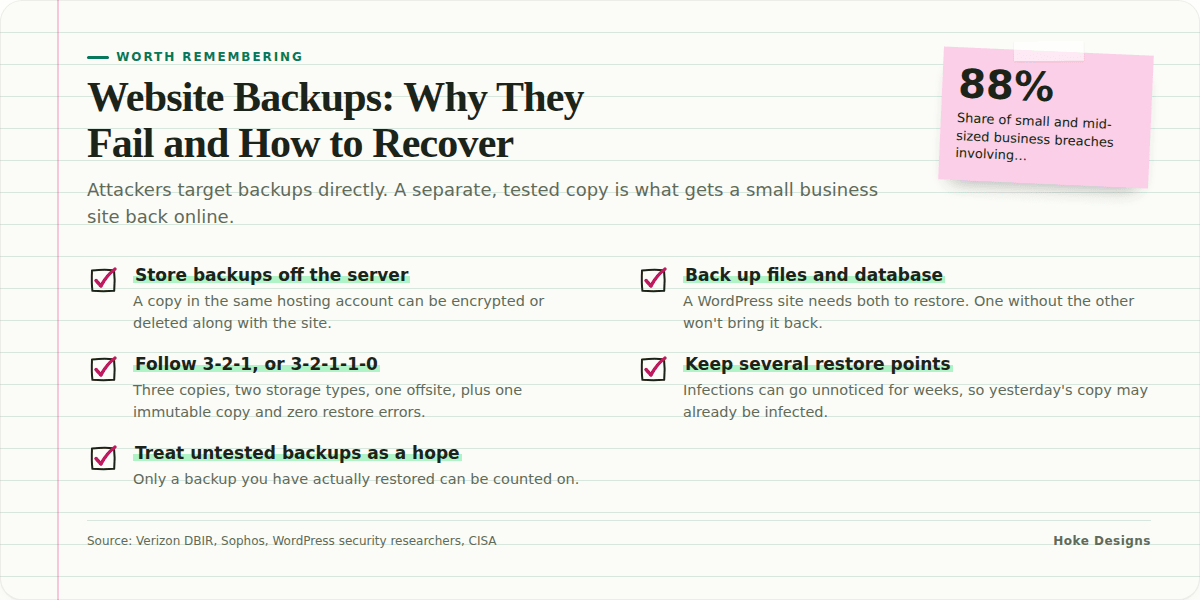
This infographic sums up the article on one page. Save it, share it with your team, or read on for the detail and the sources behind it.
In this article · 8 sections · 8 min
Yes, your website needs backups, and they need to be stored somewhere separate from the site itself. A copy on the same server is not enough. If ransomware, a compromised hosting account or a broken update takes your site down, the backup has to survive the same event. You also need to have tested it, so you know you can get the site running again within hours instead of weeks.
Many small business owners think of backups as a box someone else ticked when the site was set up. Below we cover the three most common ways sites get wiped out, why many backups fail at the moment they’re needed, and the steps that make up a recovery plan you can rely on.
Why Small Business Websites Are Such Easy Targets
Attackers don’t skip small businesses because they’re small. Small businesses are often easier to break into. Verizon’s Data Breach Investigations Report found ransomware or extortion malware in 88% of breaches at small and medium-sized businesses, compared with 39% at larger organizations. Across all organizations, the 2025 report found ransomware in 44% of breaches, a 37% increase over the previous year.
The ransom demands are also far from small. The same Verizon data puts the median ransom payment at $115,000, down from $150,000 in the 2024 report. A Juneau tour operator, a Sitka contractor or a Ketchikan real estate office would struggle to pay that, and paying still doesn’t guarantee you get your data back.
Three Ways a Website Gets Wiped Out
1. Ransomware and malware
Ransomware encrypts or deletes files and then demands payment. On a website, that can mean a scrambled database, a defaced homepage, or a host that suspends your account to protect its other customers. Today’s attackers also plan for your backups. Ransomware operators actively target backup repositories, delete shadow copies and steal the credentials of backup administrators.

Public-sector organizations see the same pattern. In Sophos’ 2024 survey of state and local government, 99% of organizations hit by ransomware said the attackers tried to compromise their backups. Attackers go after backups because a working backup removes their leverage.
2. Hacked hosting and vulnerable plugins
For WordPress sites, the usual way in is a plugin. Researchers found 7,966 new vulnerabilities in the WordPress ecosystem in 2024, about 22 a day and a 34% increase over 2023. Of those, 96% were in plugins and 4% were in themes. Some plugins never get fixed at all. In 2024, 1,614 plugins and themes were removed from the WordPress repository because of unpatched security issues.
If one site on a shared or DIY server is compromised, the attacker can often move into other sites, the database and any backups saved in the same account. If your only backup sits in a folder next to your website files, whoever controls the site controls the backup too.
3. Bad updates
Some disasters have nothing to do with attackers. A plugin update can conflict with your theme, a PHP version change can break checkout, or a database migration can stop partway through. Large vendors make these mistakes too. On July 19, 2024, a faulty CrowdStrike update hit nearly 8.5 million Windows devices and caused major outages worldwide, close to 1% of all Windows systems. If a security company’s update can do that, a plugin update can certainly break your booking page. The fix is the same as for an attack: roll back to a clean, recent copy.
Why “We Have Backups” Often Isn’t True
When a site goes down, owners often find that the backup they were counting on:
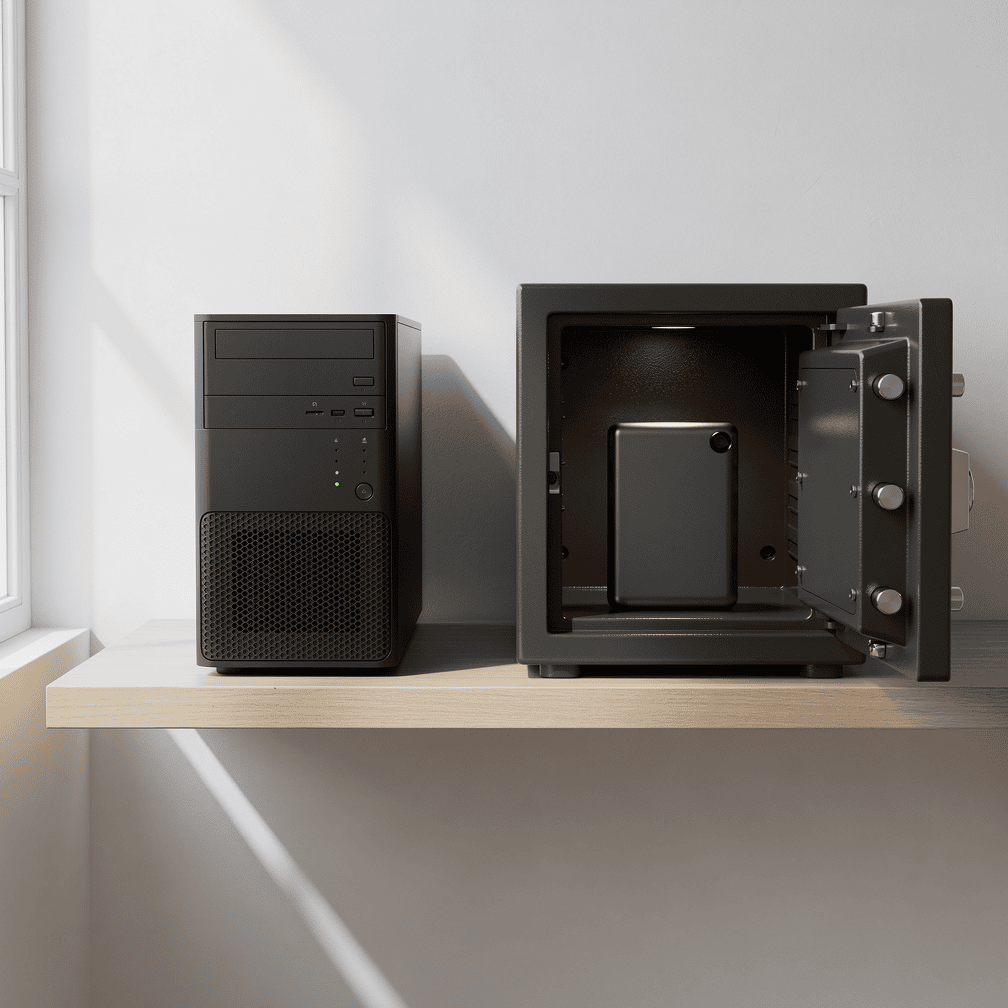
- Lives on the same server, so it was encrypted or deleted along with the site.
- Covers only files or only the database, not both. A WordPress site needs both to restore.
- Is weeks or months old, which means lost orders, bookings or listings.
- Was already infected because it was made after the compromise, so restoring brings the malware back.
- Has never been restored, and turns out to be corrupt or incomplete.
A backup only counts if it’s separate, complete, recent, clean and tested.
The 3-2-1 Rule (and the Stronger 3-2-1-1-0 Version)
The standard approach is the 3-2-1 rule: keep three copies of your data on two types of storage, with one copy offsite. CISA recommends it as a baseline, and it matches the NIST Cybersecurity Framework control for creating, protecting and testing backups.
Because attackers now go after backups directly, many professionals use the 3-2-1-1-0 version. It adds one immutable copy and requires zero backup errors, which means testing that backups actually restore. An immutable copy can’t be changed or deleted for a set period, even by someone holding your admin password.
For a typical small business website, that might look like:
- Copy 1: the live site on your hosting server.
- Copy 2: an automated backup stored on separate infrastructure, not in the same hosting account.
- Copy 3: an offsite copy with a different provider or on different storage, ideally immutable.
What a Real Recovery Plan Looks Like
A recovery plan is a short written document that answers one question: if the site disappeared today, what happens next? Work through this checklist.
Step 1: Decide how much you can afford to lose
Estimate how many hours or days of changes you could lose without real harm. A brochure site that changes monthly can live with weekly backups. An online store, reservation system or events calendar may need daily backups or more frequent ones, because each lost day means lost orders or double-booked customers. The answer depends on your business, so set it on purpose.

Step 2: Decide how long you can be offline
For a Southeast Alaska tourism business, a week offline in July costs far more than a week in January. Your target downtime determines how quickly backups need to restore and who has to be available to do the work.
Step 3: Back up everything needed to rebuild
- Website files, including themes, plugins and uploaded media
- The full database
- Configuration files and any custom code
- A record of domain registrar, DNS and hosting logins, stored securely and offline
Step 4: Separate the credentials
Since attackers steal backup credentials, use different logins for your backup storage than for your site and hosting. Turn on two-factor authentication everywhere it’s available. Don’t save backup passwords in the WordPress dashboard or in a plugin’s settings.
Step 5: Keep several versions
An infection may go unnoticed for weeks, so don’t rely on yesterday’s copy alone. Keep several restore points across days and weeks. That way you can go back to a point before the compromise.
Step 6: Test restores on a schedule
This is the “0” in 3-2-1-1-0. At least a few times a year, and after any major change, restore a backup to a staging or test site and confirm that pages load, forms submit and payments or bookings work. An untested backup is only a hope.
Step 7: Write down who does what
List who to call, where the backups are, how to reach your host and registrar, and how to tell customers if the site will be down. Keep a printed copy, because you may not be able to log into anything during an incident.

Step 8: Fix the cause before you restore
If you restore without fixing the vulnerable plugin or changing compromised passwords, the attacker can get back in the same way. Patch, rotate credentials and scan the site, and only then put the restored copy back online.
Is It Worth the Effort?
Compare it with the alternative. Sophos found the average recovery cost for state and local government organizations hit by ransomware reached $2.83M in 2024, more than double the $1.21M reported in 2023, and 78% restored encrypted data from backups. A small business won’t face costs that large, but the lesson holds: organizations with working backups have a way back.
When to Bring in a Professional
You can set up a basic backup plugin yourself, and doing so is far better than nothing. The harder parts are separating storage and credentials, keeping immutable copies, testing restores and cleaning up a compromised site before restoring it. These take time and experience to get right. A security incident is also a stressful time to be learning them. If your site takes payments, handles bookings or brings in a meaningful share of your leads, it’s worth having someone who does this regularly manage it.
Hoke Designs has been designing and building websites since 2007, and we offer managed hosting alongside design and development. If you’d like to talk through where your current backups live, or you have an urgent problem, our support desk is at support.hokedesigns.com.
Key Takeaways
- Ransomware appeared in 88% of small and mid-sized business breaches, and attackers deliberately target backups.
- Plugins account for most WordPress vulnerabilities, and a broken update can take a site down as fast as an attacker can.
- Follow the 3-2-1 rule, and use 3-2-1-1-0 (adding an immutable copy and tested restores) where you can.
- Back up files and the database, keep several versions, and store backup credentials separately.
- Test restores regularly and fix the original vulnerability before you bring a site back online.
If you’d like a hand with your backup and recovery plan, call (424) 209-8199 or send a message via our contact form, and a person will reply within one business day.
Images are presented for illustration purposes only.We use real photographs when we need to show what was happening at a real event.
Keep reading
More on Security
Your WordPress Padlock Isn’t Enough: SSL Gaps and Headers
A padlock in the browser means the connection is encrypted, not that your WordPress site is set up securely. We cover common SSL/TLS misconfigurations, how to…
Introducing status.hokedesigns.com: Live Status for Every Hoke Designs Service
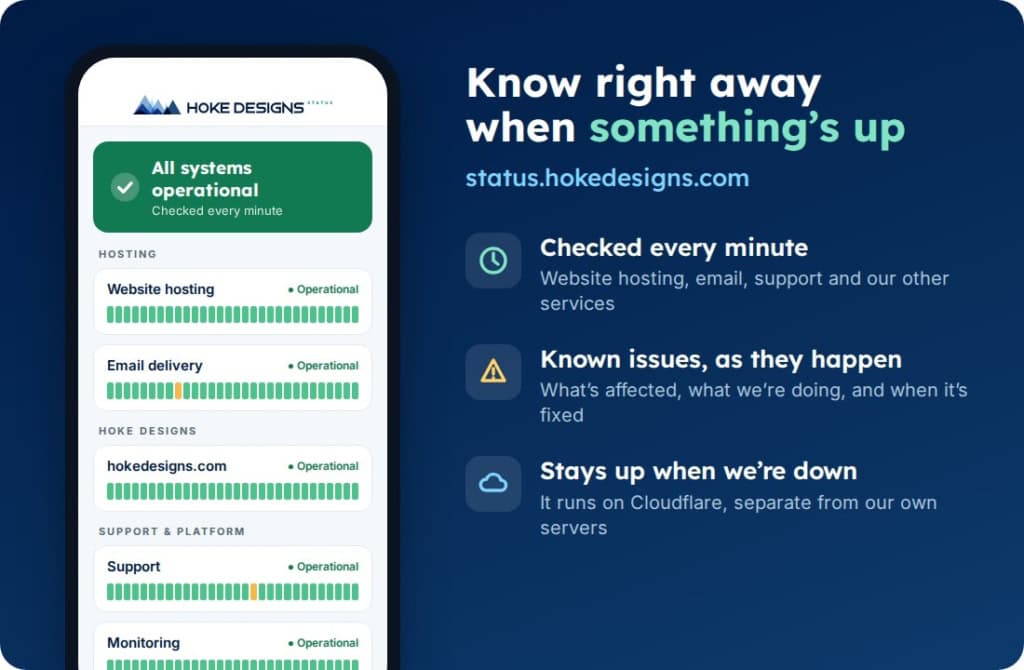
Our new status page shows, minute by minute, whether website hosting, email, support and our other services are running normally, along with any known issues and…
PHP2Shell: What It Is and How We Protected Your Website
PHP2Shell is a pair of critical flaws in PHP, the engine underneath WordPress and most of the web. Here’s what it means in plain English, why…
Hoke Designs
Questions about your own website?
Talk to the team that writes these articles and looks after dozens of sites every day. You’ll get a straight answer.