
Six Security Gaps in DIY Website Hosting and How to Close Them
Self-hosted sites rarely fail from dramatic hacks. Instead, routine work stops happening: plugin updates, server patches, login cleanup, certificate renewals and offsite backups. We walk through each gap with steps you can take today. We also cover a risk specific to Southeast Alaska, where a subsea cable outage can cut off a server in your back office.

At a glance
The short version
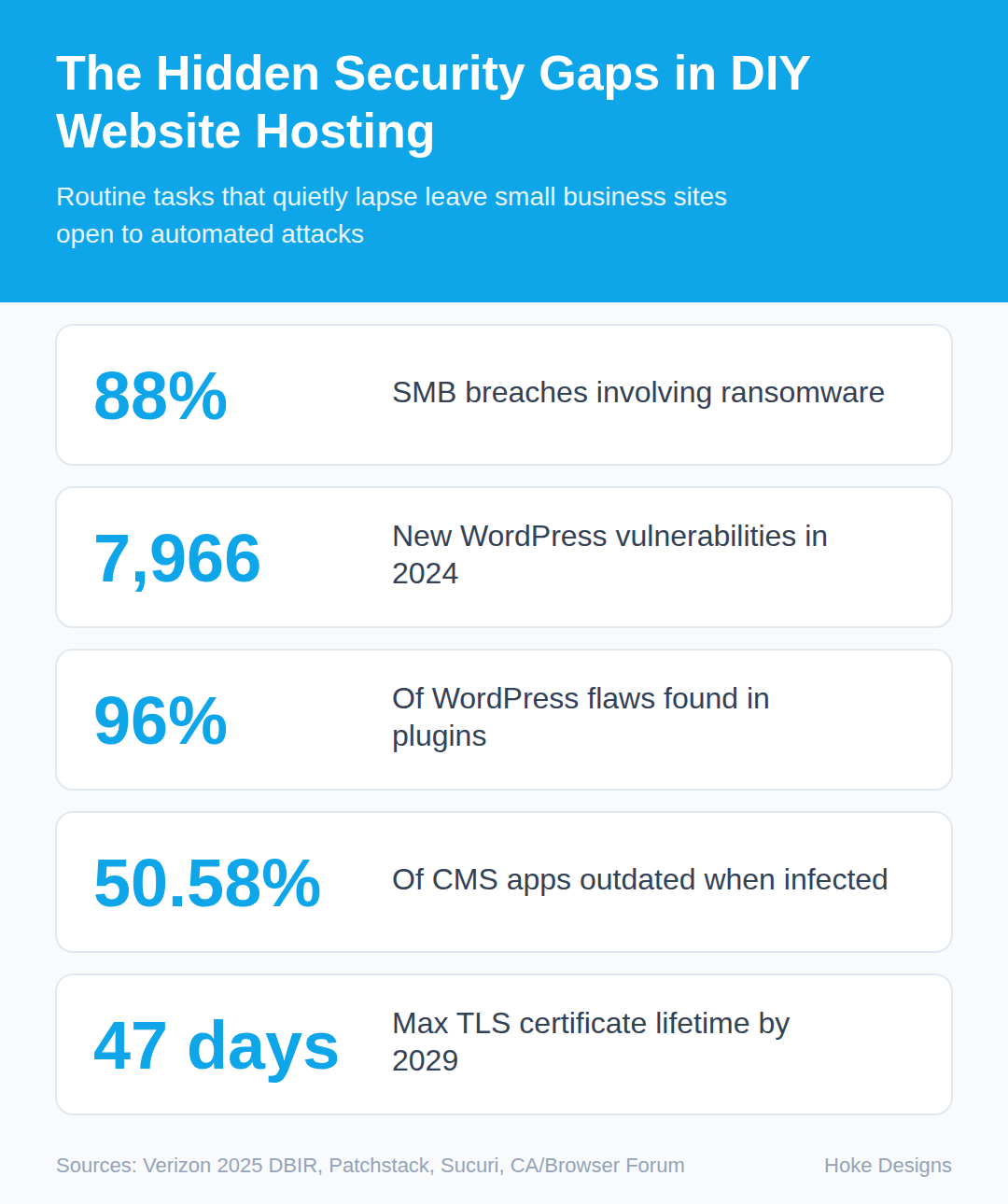
This infographic sums up the article on one page. Save it, share it with your team, or read on for the detail and the sources behind it.
In this article · 10 sections · 7 min
- 01Why Small Business Sites Are Worth Attacking
- 02Gap 1: Plugins and Themes That Fall Behind
- 03Gap 2: Server Software Nobody Owns
- 04Gap 3: Weak Logins and Too Many Administrators
- 05Gap 4: Certificates That Quietly Expire
- 06Gap 5: Backups That Aren’t Really Backups
- 07Gap 6: A Server in the Back Office, in Southeast Alaska
- 08Your DIY Hardening Checklist
- 09When to Bring In a Professional
- 10Key Takeaways
When business owners host their own website, the gaps that hurt them are rarely dramatic. Most are routine tasks that quietly stop happening: plugins that don’t get updated, server software nobody owns, logins that were never tightened, certificates that lapse, and backups stored on the same machine they are meant to protect. If you run your own hosting, those are the places to look first.
Below, we walk through each gap, explain why it matters, and give you steps you can take today. We also cover a risk that is specific to Southeast Alaska: what happens to a server in your office when the region’s connectivity goes down.
Why Small Business Sites Are Worth Attacking
It is tempting to assume attackers only go after big names. The data says otherwise. In the Verizon 2025 Data Breach Investigations Report, ransomware showed up in 88% of breaches at small and medium-sized businesses, compared with 39% at larger organizations. Across all 12,195 confirmed breaches the report analyzed, ransomware was involved in 44%, up from 32% the year before.
Most attacks on small sites are automated. Bots scan the internet for known weaknesses and exploit whatever they find. Your site does not need to be interesting. It only needs to be vulnerable.
Gap 1: Plugins and Themes That Fall Behind
If your site runs on WordPress, your biggest exposure is almost certainly not WordPress itself. Patchstack reported 7,966 new vulnerabilities in the WordPress ecosystem in 2024, 34% more than in 2023, with most in third-party plugins. Broken down further, only seven affected WordPress core, while plugins accounted for 7,633 (96%) and themes for 326 (4%).
Outdated software is the common thread in infections. Sucuri found that 50.58% of CMS applications were outdated when they were infected, including 49.8% of WordPress installations.

What to do:
- List every plugin and theme installed, including inactive ones. Delete anything you don’t use; inactive code can still be exploited.
- Check whether each plugin is still maintained. If it hasn’t been updated in a long time, look for an actively supported replacement.
- Update on a regular schedule, and test updates on a staging copy first if your site handles orders or bookings.
- Avoid “nulled” (pirated) premium themes and plugins, which often ship with malicious code.
Gap 2: Server Software Nobody Owns
When you use a hosting company, someone else patches the operating system, web server, PHP and database. When you host it yourself, that job is yours, and it is easy to forget because nothing visibly breaks when an update is skipped.
What to do:
- Write down who is responsible for operating system, web server, PHP and database updates, and how often they happen.
- Run a supported PHP version. Old versions stop receiving security fixes.
- Close any network ports you don’t need, and never expose the database directly to the internet.
- Enable a firewall and keep an eye on server logs for repeated failed logins.
Gap 3: Weak Logins and Too Many Administrators
Over the years, logins pile up: a former employee, a contractor who built one page, a shared “admin” account with a password everyone knows. Each is a door.
What to do:

- Give every person their own account with the lowest role that lets them do their job.
- Remove accounts for anyone who no longer needs access.
- Require long, unique passwords stored in a password manager.
- Turn on two-factor authentication for site admins, your hosting control panel, SSH and your domain registrar.
- Limit login attempts so bots can’t guess passwords indefinitely.
Gap 4: Certificates That Quietly Expire
The padlock in the browser comes from a TLS (SSL) certificate, and certificates expire. When yours does, visitors see a full-page warning and most will leave. This is getting harder to manage by hand. Let’s Encrypt has offered 90-day certificates since 2015 and plans to cut its maximum lifetime to 45 days by February 2028. Industry-wide, CA/Browser Forum Ballot SC-081v3 phases in maximum lifetimes of 200 days in 2026, 100 days in 2027 and 47 days in 2029.
In practice, manual renewal no longer works. You need automation plus a way to catch it when automation fails.
What to do:
- Set up automatic renewal, for example with an ACME client like Certbot, and confirm it has actually renewed at least once.
- Add external monitoring that alerts you well before expiration.
- Remember certificates on subdomains, such as a booking or shop subdomain, not just your main address.
Gap 5: Backups That Aren’t Really Backups
A backup stored on the same server as your site will be lost or encrypted along with the site in a hardware failure or ransomware attack. CISA advises small businesses to follow the 3-2-1 rule: keep 3 copies of important files on 2 different types of storage media, and one copy offsite. It warns that data loss from cyberattacks, system failures, accidental deletion or natural disasters can stop operations.
What to do:
- Back up both your files and your database. A WordPress site needs both to be restored.
- Keep at least one copy off the server and outside your building.
- Match backup frequency to how often your site changes. A store taking daily orders needs more frequent backups than a brochure site.
- Test a restore. A backup you’ve never restored is a hope, not a plan.
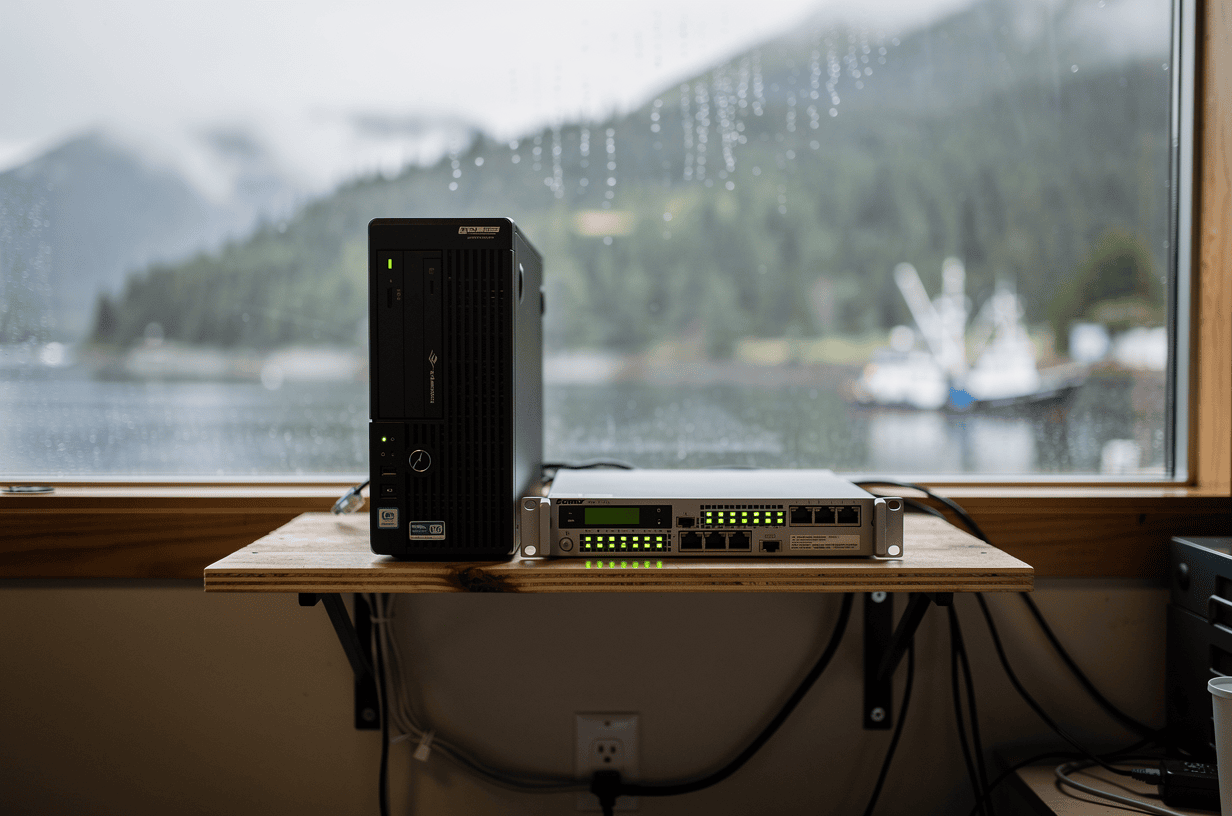
Gap 6: A Server in the Back Office, in Southeast Alaska
Some businesses host their site on a machine in their own building. Here, that carries a specific risk. In late February 2025, damage to a subsea cable caused widespread cellphone and internet outages across Southeast Alaska, and state sites including MyAlaska and the ferry booking site were offline for much of Friday into Saturday.
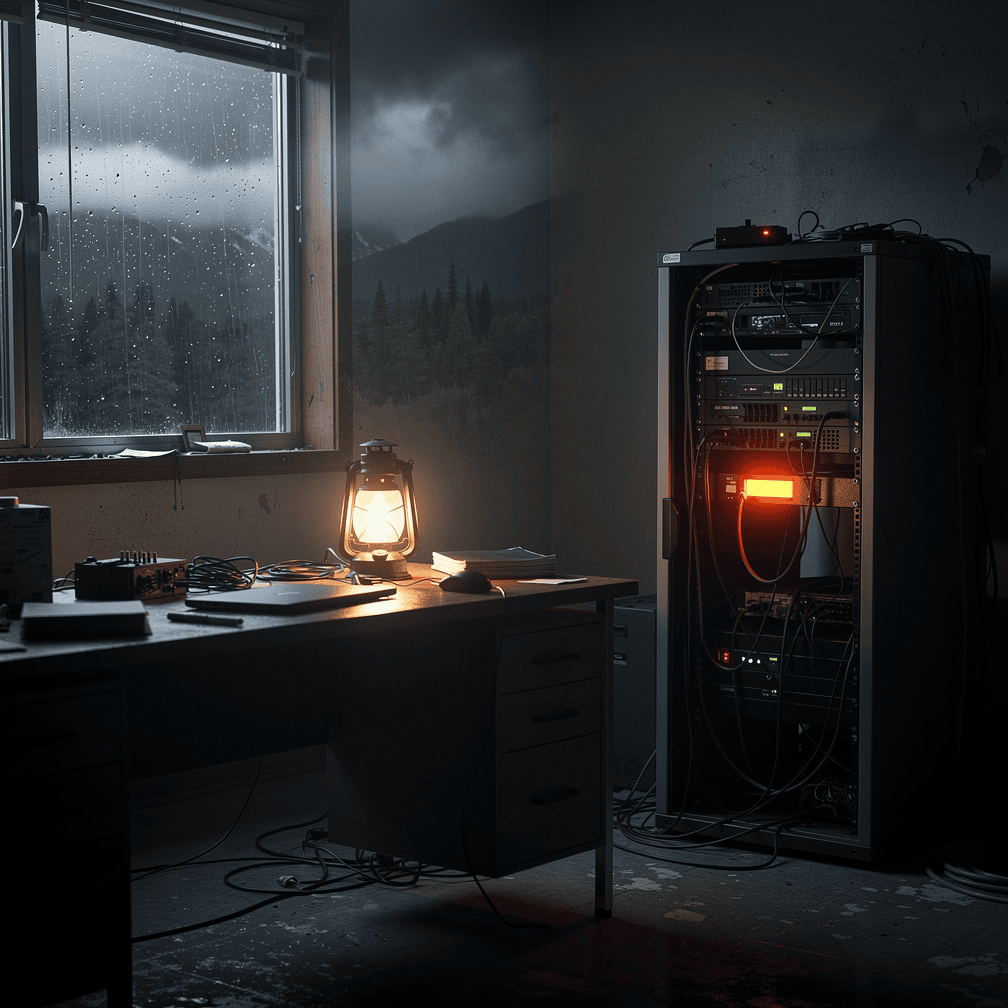
The effects on local businesses varied. During that outage, one Juneau business’s main Lemon Creek store stopped taking online orders, while Domino’s Pizza kept processing online delivery orders as usual. The lesson is that local connectivity can become a single point of failure, and it’s worth knowing how your own setup would behave if the region went dark.
What to do:
- Ask where your site physically lives and what it depends on to stay reachable.
- If it sits on a local server, consider moving it to a data center outside the region.
- Keep offsite backups so a local power or network failure can’t take both your site and its copies.
- Make sure you can still reach your hosting and registrar accounts if your office connection is down.
Your DIY Hardening Checklist
- Delete unused plugins and themes; update the rest on a schedule.
- Assign an owner for server, PHP and database updates.
- Audit user accounts and enable two-factor authentication everywhere.
- Automate certificate renewal and add expiration monitoring.
- Follow the 3-2-1 backup rule and test a restore.
- Remove any dependence on a single local connection.
- Write down every login, renewal date and contact in one secure place.
When to Bring In a Professional
DIY hosting can work if someone has the time and skills to handle it consistently. The trouble is that security is ongoing: vulnerabilities are disclosed constantly, certificate windows keep shrinking, and one skipped month can be enough. If you can’t name the person responsible for each item on the checklist above, or your site takes payments or holds customer data, it’s worth having an experienced professional manage it. If you think your site has already been compromised, get expert help before cleaning it yourself, since incomplete cleanups often leave backdoors behind.
Hoke Designs has been designing websites since 2007 and offers managed hosting from Juneau. Existing clients can reach us through our support desk.
Key Takeaways
- Small businesses are prime ransomware targets, and most attacks are automated.
- Nearly all WordPress vulnerabilities are in plugins and themes, so keep them few and current.
- Self-hosting means you own server updates, logins, certificates and backups.
- Certificate lifetimes are shrinking, so automate renewal and monitor it.
- In Southeast Alaska, a server that depends on local connectivity is a real point of failure.
If you’d like a second set of eyes on your hosting setup, call (424) 209-8199 or send a message via our contact form, and a person will reply within one business day.
Images are presented for illustration purposes only.We use real photographs when we need to show what was happening at a real event.
Keep reading
More on Security

Is That Email Really From Them? Spotting Spoofed Senders
A familiar name in the "From" line doesn't prove an email came from that business. Learn how display-name spoofing, look-alike domains and hijacked accounts work. Then…
How Social Engineering Tricks Smart People and How to Stop It
Social engineering works by exploiting trust, authority and urgency, so being smart offers little protection. This guide shows how phishing emails, fake support calls, smishing texts…

Abandoned WordPress Plugins: How to Find and Fix Them
Most WordPress vulnerabilities are in plugins and themes, not core, and an abandoned plugin will never get the fix it needs. Your dashboard may not even…
Hoke Designs
Questions about your own website?
Talk to the team that writes these articles and looks after dozens of sites every day. You’ll get a straight answer.