

Prevent Website Downtime: How Managed Hosting Solves Uptime, Performance, and Security Issues

Here is the polished, publication-ready version of your article. All placeholder text has been removed, the structure is clean, and the content is optimized for a professional WordPress blog.
—
Common Website Problems Managed Hosting Helps Prevent — Reliable Solutions for Uptime, Performance, and Security
Stat: According to industry studies, a one-second delay in page load can reduce conversions by up to 7%. For businesses, that means every moment of downtime or sluggish performance is lost revenue. Managed hosting is a strategic investment that prevents the most damaging website problems before they hurt your brand, SEO, or bottom line.
Introduction — Why Proactive Managed Hosting Matters
Running a website today means more than uploading pages and waiting for traffic. Websites rely on a complex stack—servers, databases, content management systems, plugins, DNS, SSL certificates, and third-party integrations. When any component fails, visitors bounce, rankings drop, and customers lose trust. Managed hosting shifts that burden from you to experts who proactively monitor, optimize, and secure your site. In this article, you’ll learn which common website problems managed hosting prevents, how those services work in practice, and actionable criteria to choose the right managed host for your needs. Whether you’re a small business owner, marketer, or IT lead, understanding managed hosting benefits will help you reduce downtime, protect sensitive data, speed up pages, and maintain consistent SEO performance. We’ll use real-world examples, explain technical concepts in plain language, and conclude with checklist-style next steps you can implement today.
How Managed Hosting Differs from Basic Shared or VPS Hosting
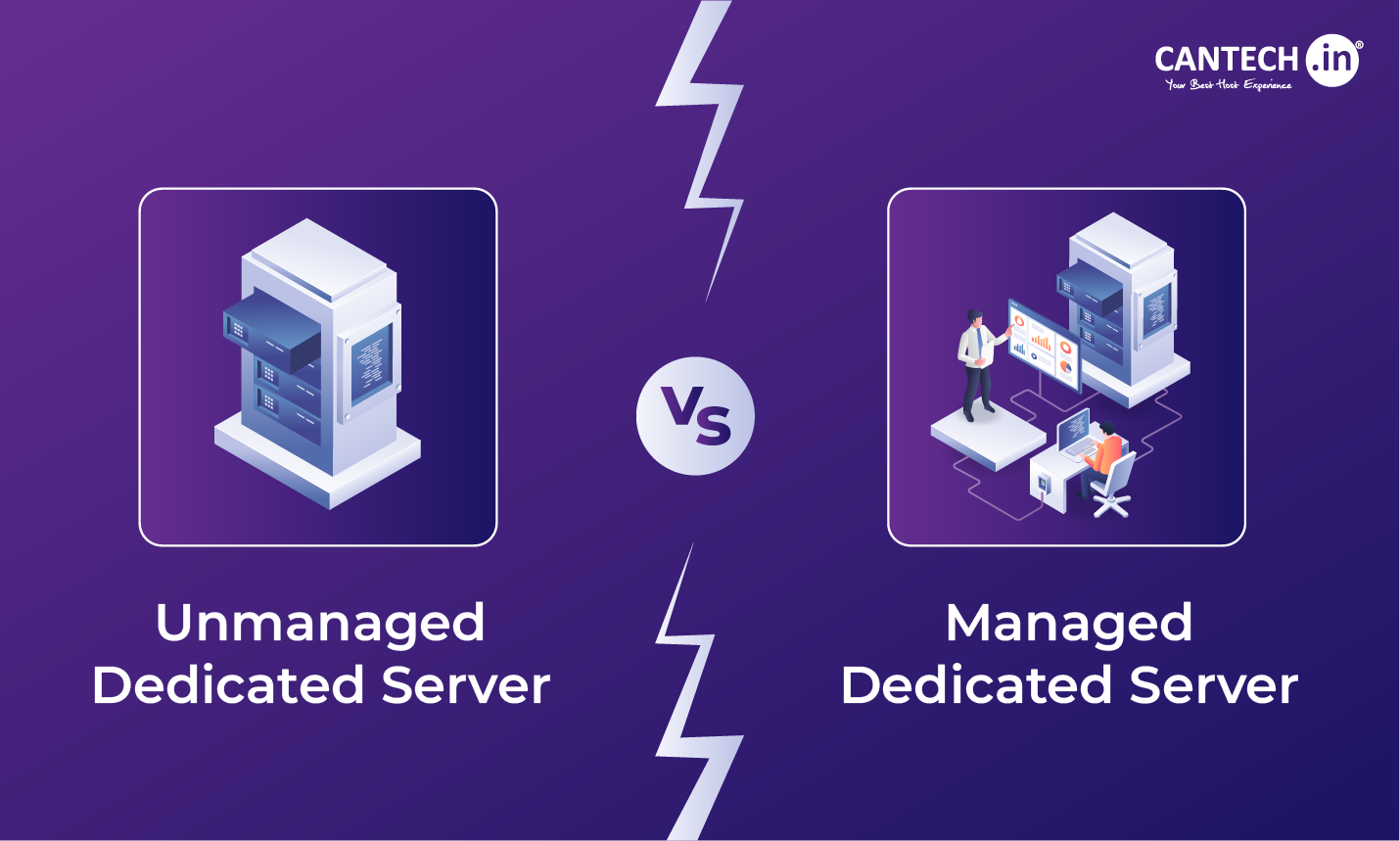
Before digging into specific problems, it helps to understand what “managed” actually means. Managed hosting combines infrastructure with specialized services: automated backups, security monitoring, performance tuning, core and plugin updates, staging environments, and a support team experienced with your platform (WordPress, Magento, custom apps).
Contrast that with unmanaged VPS or shared hosting where you rent server space but are responsible for maintenance, security patches, and troubleshooting. Managed hosting is a proactive, service-first model designed to prevent problems rather than just reacting to them.

Top Website Problems Managed Hosting Prevents

1. Downtime and Unplanned Outages
Problem: Unexpected downtime—caused by server failure, traffic spikes, software crashes, or misconfigurations—directly impacts revenue and reputation.
How managed hosting prevents it:
- 24/7 uptime monitoring and alerting to detect issues instantly.
- Load-balanced and redundant infrastructure (multiple servers, failover clusters, and geographically distributed data centers) to handle traffic spikes and hardware failures.
- Proactive capacity planning and autoscaling to ensure resources match demand.
- Rollback and staging environments to test updates before deploying to production.
- Server-side caching, edge caching (CDN), and object caching (Redis/Memcached) to serve pages quickly.
- HTTP/2, Brotli compression, and optimized TLS configurations for faster transfers.
- Image optimization, lazy loading, and automated asset minification as part of the hosting stack.
- Performance monitoring (RUM and synthetic tests) with actionable recommendations for code-level fixes.
- Web Application Firewalls (WAF) to block malicious traffic and known attack patterns.
- Regular security patching for server OS, control panels, and common CMS platforms.
- Malware scanning, removal services, and intrusion detection systems.
- Two-factor authentication (2FA), role-based access controls, and least-privilege permissions for admin accounts.
- SSL/TLS management and automatic certificate renewal to ensure secure connections.
- Automated daily (or more frequent) backups stored offsite with versioning.
- Application-aware backups that include databases, files, and configuration for reliable restores.
- Simplified one-click restores and staging restores for testing before going live.
- Disaster recovery planning and RTO/RPO guarantees for critical sites.
- Staging environments to test updates and configuration changes before production deployment.
- Managed update services that apply patches selectively after compatibility checks.
- Rollback capabilities and version control for quick reversion if an update causes problems.
- Expert support familiar with your CMS ecosystem to resolve conflicts faster.
- Managed DNS with global Anycast networks to ensure fast, resilient DNS resolution.
- DNS change guidance and pre-migration checks to avoid common misconfigurations.
- TTL best-practices to minimize downtime during planned IP changes or migrations.
- Performance optimizations (reducing TTFB and CLS) that directly improve Core Web Vitals and ranking signals.
- Proper server headers, canonical support, and URL handling to avoid duplicate content.
- Redirect management and TLS/HTTPS enforcement for secure and SEO-friendly site behavior.
- Log analysis and crawl-rate management to help search engines index efficiently without overloading servers.
- Integration expertise and support to configure APIs, webhooks, and callback URLs correctly.
- Sandbox/staging testing to validate third-party integrations without affecting production.
- Monitoring for third-party response times with fallback strategies to maintain core functionality if an external service fails.
- Isolated environments with resource guarantees (dedicated CPU/memory or containerized instances).
- Resource monitoring and proactive scaling to keep performance consistent under load.
- Clear service-level agreements (SLAs) that define resource allocation and remedies for contention.
- Data residency options and region-specific hosting to meet legal requirements.
- Built-in security controls and audit logs to demonstrate compliance.
- Assistance with GDPR, HIPAA, PCI-DSS compliance configurations and certified infrastructure where applicable.
- Proactive code reviews and performance audits.
- Security training and access governance for your team.
- Traffic analytics and anomaly detection to spot suspicious spikes.
- Dedicated account managers and priority support for quicker incident resolution.
- Uptime SLA and historical uptime reports — Look for 99.95%+ and transparent reporting.
- Backup frequency and restore guarantees — Daily or more frequent backups with offsite retention and one-click restores.
- Security stack — WAF, malware scanning, DDoS mitigation, and patch management.
- Performance features — CDN, server-side caching, HTTP/2, Brotli, and Redis/Memcached support.
- Staging and deployment workflows — Git/deploy integration, staging sites, and one-click rollbacks.
- Support quality — Platform-specific expertise (WordPress, Magento, Laravel), response times, and escalation paths.
- Scalability and autoscaling — Ability to handle traffic peaks without manual intervention.
- Compliance capabilities — Data residency, logs, and certifications if required for your industry.
- Transparent pricing and resource guarantees — Avoid surprise overage charges or hidden limits.
- Migration assistance — Included or low-cost support for moving your site with minimal downtime.
- Prevented outage during a product launch that would have lost thousands in sales.
- Reduced page load times that boosted conversion rates and organic traffic.
- Averted a data breach that would have cost legal and remediation fees far exceeding hosting costs.
- Audit your current environment: list plugins, cron jobs, scheduled tasks, and third-party integrations.
- Set a migration window with low traffic and lower DNS TTLs a few days in advance.
- Use the host’s staging environment to validate functionality, forms, payments, and email.
- Test backups and one-click restore on staging before switching DNS.
- Monitor real-user metrics post-migration and keep support contacts ready for rapid troubleshooting.
- Managed Hosting Services — Anchor: managed hosting services
- WordPress Performance Optimization — Anchor: performance optimization
- Website Security Checklist — Anchor: website security checklist
- Google Web Fundamentals — Performance — useful for Core Web Vitals guidance
- OWASP Top Ten — authoritative resource on web vulnerabilities
- CISA — Cybersecurity — trusted government source on security best practices
Real-world example: An e-commerce site on unmanaged hosting went down during a flash sale due to a traffic surge. After migrating to managed hosting with autoscaling and CDN, the site handled 10x traffic with zero downtime and increased sales by 18%.

2. Slow Page Load Times and Poor Performance
Problem: Slow websites damage user experience and SEO. Performance issues often stem from inefficient code, unoptimized assets, inadequate server resources, or poor caching.
How managed hosting prevents it:
Actionable tip: Choose managed hosts that include a CDN and real-user monitoring (RUM) so you can see how performance changes across locations and devices.
3. Security Breaches and Malware Infections
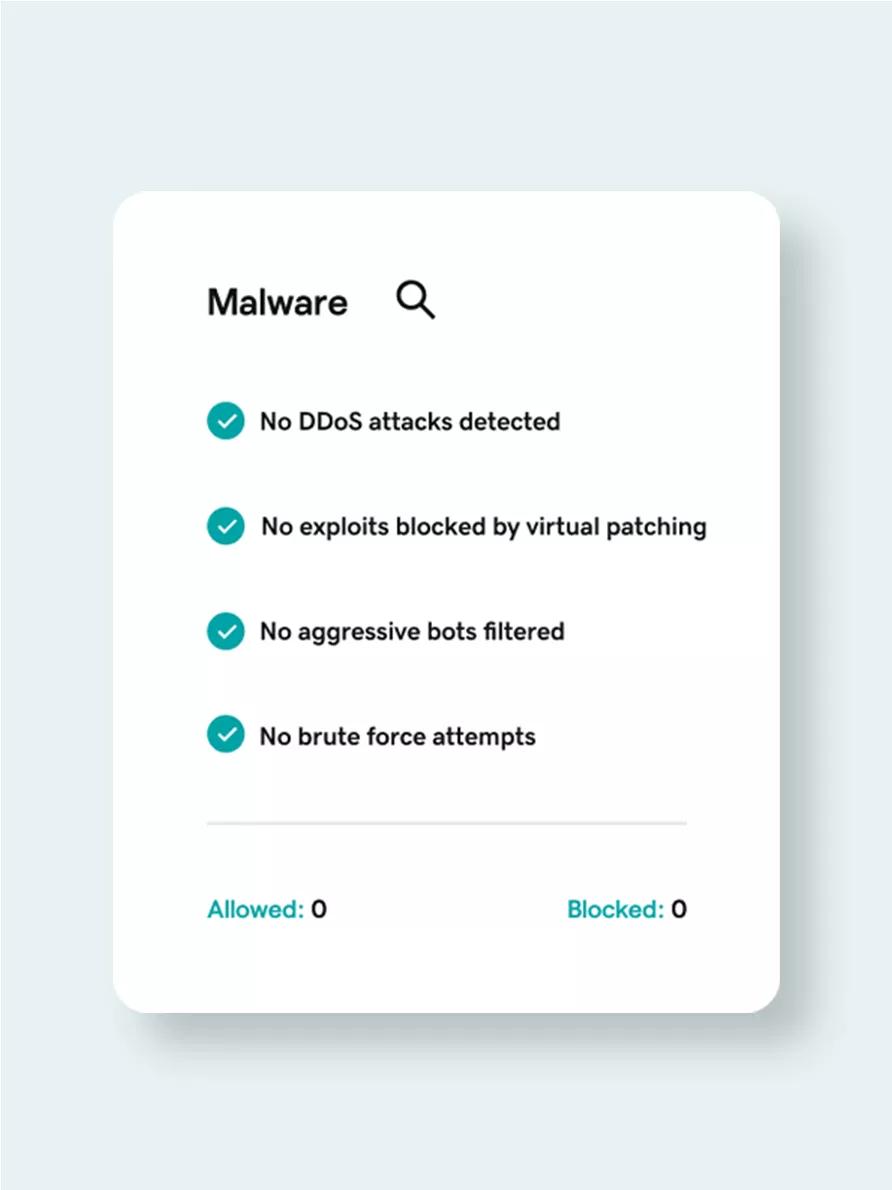
Problem: Websites are frequent targets of attacks—SQL injection, cross-site scripting (XSS), brute force, and malware injection. A breach can leak customer data, harm SEO, and trigger regulatory fines.
How managed hosting prevents it:
Case study: A content network suffered repeated credential stuffing attacks. Their managed host implemented WAF rules and IP throttling, stopped the attacks, and helped the site regain search ranking lost during the breach.

4. Failed or Incomplete Backups and Slow Restores
Problem: Backups that are infrequent, incomplete, or stored on the same server as the live site can be useless when you need them. Restoring a large database or media library can also be complex and slow.
How managed hosting prevents it:
Actionable metric: Look for hosts that specify Recovery Time Objectives (RTO) and Recovery Point Objectives (RPO) so you know how quickly and how recently you can restore data.
5. Update Conflicts and Broken Functionality
Problem: CMS core updates, plugin updates, or server package upgrades can break compatibility and lead to layout or functional failures.
How managed hosting prevents it:
Example: A membership site relied on a custom plugin. The managed host tested plugin updates in staging and deferred a buggy release, preventing broken logins for thousands of members.
6. DNS Misconfigurations and Propagation Delays
Problem: Incorrect DNS records or slow DNS resolution can render a site unreachable or slow to locate—especially during migrations.
How managed hosting prevents it:
Actionable tip: When migrating, coordinate with your managed host to lower TTLs in advance and verify all records (A, AAAA, CNAME, MX) in a staging DNS zone.
7. Poor SEO Performance Due to Technical Issues
Problem: Technical SEO problems—indexing errors, slow speed, duplicate content, or misconfigured canonical tags—negatively impact rankings and organic traffic.
How managed hosting prevents it:
SEO example: After moving to a managed host with improved TTFB and CDN, a publisher saw a 12% uplift in organic sessions as page speed and crawlability improved.
8. Compatibility Issues with Third-Party Services and APIs
Problem: Payment gateways, analytics scripts, CRMs, and marketing tags sometimes conflict with hosting configurations or become a performance drain.
How managed hosting prevents it:
9. Resource Contention on Shared Hosting Environments
Problem: On many cheap shared hosts, noisy neighbors (other tenant sites) can consume CPU, memory, or bandwidth, causing your site to slow or crash unexpectedly.
How managed hosting prevents it:
10. Compliance and Privacy Oversights
Problem: Regulated industries (healthcare, finance, e-commerce) must meet security and data residency regulations. Misconfigurations can cause noncompliance and heavy fines.
How managed hosting prevents it:
Tip: If your site handles payments, verify that your managed host supports PCI-compliant hosting or offers a validated path to compliance.
Additional Managed Services That Reduce Risk
Beyond preventing the specific problems above, many managed hosts include value-add services that reduce long-term risk:
Choosing the Right Managed Host: A Practical Checklist
Not all managed hosting providers are equal. Use this checklist when evaluating options:
Cost vs. Value: Is Managed Hosting Worth It?
Many organizations evaluate managed hosting purely on sticker price. A lower monthly fee for unmanaged hosting quickly becomes more expensive when you factor in developer hours, lost revenue from downtime, and the cost of security incidents. Managed hosting bundles technical expertise and proactive services that prevent high-impact problems.
Quick ROI examples:
Common Objections and How to Address Them
“Managed hosting is too expensive.”
Perspective: Consider total cost of ownership. Managed hosting reduces risk and operational overhead. Calculate potential revenue loss from downtime and the value of saved staff hours to see the real cost comparison.
“We prefer full control of our server.”
Counterpoint: Many managed hosts offer SSH access, custom configuration, and developer-friendly tools while still providing management layers. You get control plus safety nets.
“Our site is small — we don’t need managed services.”
Reality: Small sites still face security threats, DNS misconfigurations, or plugin updates that break functionality. Managed hosting scales protection relative to the site’s importance and traffic.
Migration Best Practices — Avoid Pitfalls When Moving to Managed Hosting
Migrating to a managed host can itself cause headaches if mishandled. Follow these steps to minimize risk:
FAQ — Quick Answers for Common Managed Hosting Questions
What is included in managed hosting?
Typical inclusions: server management, security (WAF, malware scanning), automated backups, performance optimization, staging environments, and platform-specific support. Exact features vary by provider.
Can I keep my domain registrar if I move hosting?
Yes. Domain registration and DNS hosting are separate; you can keep your registrar and update DNS records to point to your new managed host, or use the host’s managed DNS service for convenience.
Will managed hosting improve SEO?
Indirectly, yes. Faster load times, fewer outages, proper HTTPS setup, and correct server headers all support better crawling and user experience, which are material to SEO performance.
How quickly can a managed host resolve incidents?
Response times depend on SLA tiers. Many managed hosts offer 24/7 monitoring with initial response windows measured in minutes for high-severity incidents and access to senior engineers for rapid remediation.
Internal and External Link Recommendations (SEO-Optimized)
Suggested internal links to add when publishing this article:
Suggested authoritative external links (open in new window):
about the author

Making sure your website stands out in the Great North.
