

How Managed Hosting Prevents Downtime and Boosts Website Performance

What Happens When a Website Goes Down, and How Managed Hosting Helps
Uptime matters. Downtime costs. Every minute your website is unavailable, you risk lost revenue, damaged reputation, SEO penalties, and frustrated users. This article explains exactly what happens when a website goes down, quantifies the risks, walks through common causes, and shows how managed hosting can prevent, detect, and resolve outages faster. You’ll also get practical steps to minimize impact and a checklist for choosing a managed hosting provider that keeps your site resilient and performing.
Introduction: Why Understanding Downtime Is Essential
Imagine a busy holiday sale, a product launch, or an essential support portal that suddenly becomes unreachable. In those moments, every second matters — customers bounce, conversions evaporate, and confidence in your brand erodes. According to industry studies, even a single minute of downtime for an e-commerce site can translate into thousands of dollars in lost sales. Beyond direct revenue loss, extended outages trigger long-term damage: search rankings drop, customers defect to competitors, and internal teams scramble in reactive chaos.
In this article you’ll learn what exactly happens technically and commercially when a website goes down, the most common and surprising causes of outages, concrete steps to reduce risk, and why managed hosting is one of the most effective investments you can make to keep your site online. The guidance is tailored for business leaders, technical managers, and website owners who want defensible uptime and predictable performance.

Section 1: The Immediate Effects of a Website Outage
Lost Revenue and Conversion Impact
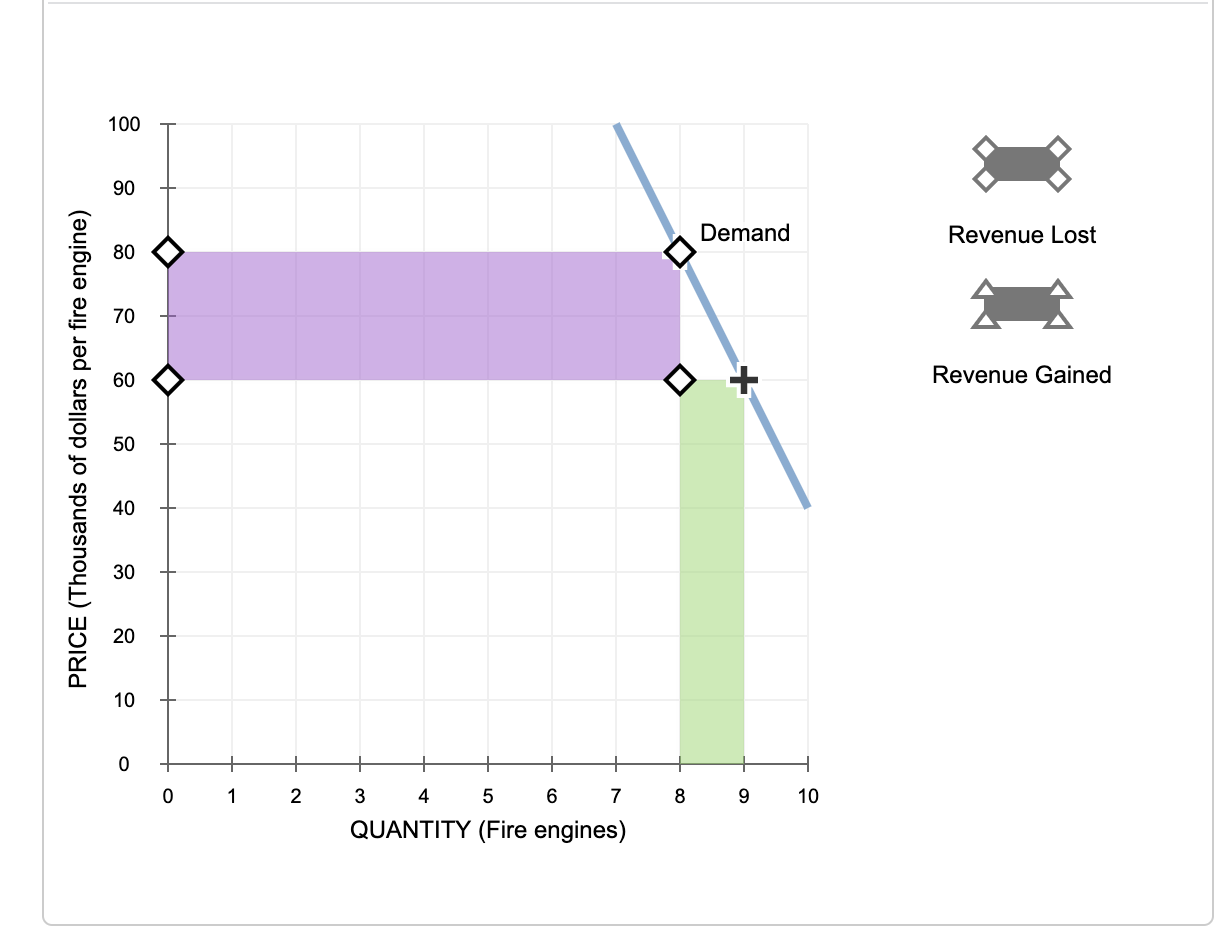
When a website goes down, the direct financial hit is the most measurable result. For retail and transaction-based sites, downtime means immediate lost sales. For SaaS companies, downtime can mean failed signups, churn, and delayed renewals.
- Loss per minute varies widely — small businesses might lose hundreds per hour, enterprise e-commerce can lose thousands or more.
- High-traffic periods (promotions, launches) amplify losses exponentially.
- DNS errors (site cannot be resolved)
- HTTP 5xx server errors (500, 502, 503, 504)
- Connection timeouts or slow-loading pages
- Blank pages or application-level failures
- DNS failure: Domain name fails to resolve to an IP address.
- Network partition: Routers or ISP issues block traffic flow.
- Infrastructure failure: Power, hosting hardware, or virtualization problems.
- Application crash: Bugs, unhandled exceptions, or memory leaks causing service crashes.
- Database outage: Corruption, long locks, or resource exhaustion.
- Third-party outage: Payment gateways, CDNs, or authentication services fail.
- Small online retailer: 1 hour of downtime during a sale -> estimated $5,000 lost sales.
- Mid-size SaaS company: 4-hour outage -> cancellations from 10 clients; lifetime value loss estimated at $120,000.
- Enterprise e-commerce: 30-minute outage during peak season -> tens to hundreds of thousands in immediate revenue losses.
- Proactive monitoring and alerting: 24/7 detection of performance degradation and failures
- Automated failover and redundancy: multi-zone and multi-region deployments that reroute traffic when a component fails
- Managed backups and rapid recovery: regular, tested backups and point-in-time recovery
- Security hardening and patch management: reduces risk of exploit-driven outages
- Performance optimization: caching, CDNs, database tuning to prevent overload
- Dedicated support and incident response: rapid, expert-led remediation
- Capacity planning and autoscaling: prepared for traffic spikes and seasonal demand
- 24/7 on-call engineers who begin remediation immediately
- Automated remediation for known failure modes
- Clear runbooks and playbooks for common incidents
- Access to provider-level diagnostics and fast hardware replacements
- Pre-established communication channels for incident updates and customer notifications
- Implement multi-AZ or multi-region deployments where feasible.
- Enable automated backups with point-in-time recovery and test restores monthly.
- Set up synthetic monitoring and real-user monitoring (RUM).
- Use a CDN and edge caching for static assets and DDoS mitigation.
- Adopt blue-green or canary deployments for releases.
- Run load tests to validate autoscaling and capacity thresholds.
- Keep DNS with a resilient provider and monitor TTL settings.
- Define an incident response playbook with communication templates.
- Encrypt and rotate critical credentials; enforce MFA for access to production systems.
- Review and test third-party dependencies; implement graceful degradation if a service fails.
- SLA with transparent uptime guarantees and penalties
- 24/7 support and proven incident response
- Multi-region and redundancy options
- Automated backups and recovery testing
- Security services (WAF, DDoS mitigation, patching)
- Performance optimization and CDN integration
- Clear pricing and predictable cost model
- What is your historical uptime, and can you provide references or case studies?
- How do you handle failover and disaster recovery? Can you demonstrate tests?
- What monitoring and alerting tools do you use, and how are alerts escalated?
- How quickly can you scale resources for traffic spikes?
- What are the roles and SLAs for incident response and root-cause analysis?
- Direct revenue protection during peak events
- Lower operational overhead and recruitment costs for ops talent
- Faster feature delivery because developers are less worried about operations
- Improved security posture and compliance readiness
- “Managed WordPress hosting” — link to your site’s managed WordPress service page to guide users toward a specific product.
- “Disaster recovery checklist” — link to an internal blog or resource page with recovery playbooks.
- “Performance optimization services” — link to a service page describing caching, CDN, and database tuning offerings.
- Uptime Institute or Gartner reports on downtime costs — cite for industry statistics
- Cloud provider status pages and postmortems (AWS, GCP, Azure) — cite examples of historical outages
- Search Engine guidelines on crawlability and downtime impact (Google Search Central)
- Diagram of a multi-region architecture — alt: “Multi-region website architecture with load balancer and failover”
- Flowchart of incident response steps — alt: “Incident response playbook flowchart for website outages”
- Before-and-after uptime graph — alt: “Uptime improvement after migrating to managed hosting”
- “Downtime costs more than you think. Learn how managed hosting protects revenue and reputation.” #Uptime #ManagedHosting #WebPerf
- “What happens when your site goes down — and how to stop it. Practical checklist inside.” #DevOps #SaaS #Ecommerce

Brand Reputation and Customer Trust
Customers expect reliability. A single outage during a critical moment can create lasting impressions. Social media amplifies negative experiences, and poor service experiences reduce repeat business.
SEO and Organic Visibility Consequences
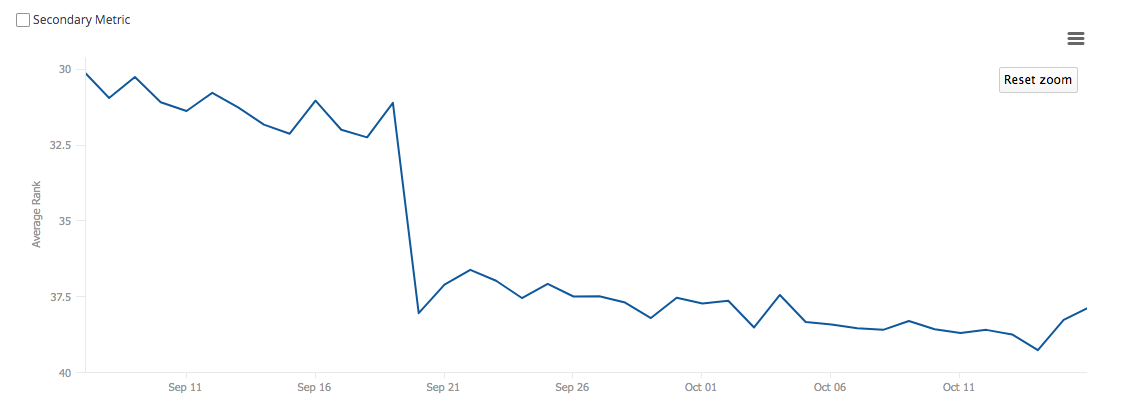
Search engines retry crawling and may temporarily remove unreachable pages. Frequent or prolonged downtime can harm rankings, reducing organic traffic long after the outage has ended.
Operational Disruption and Human Cost
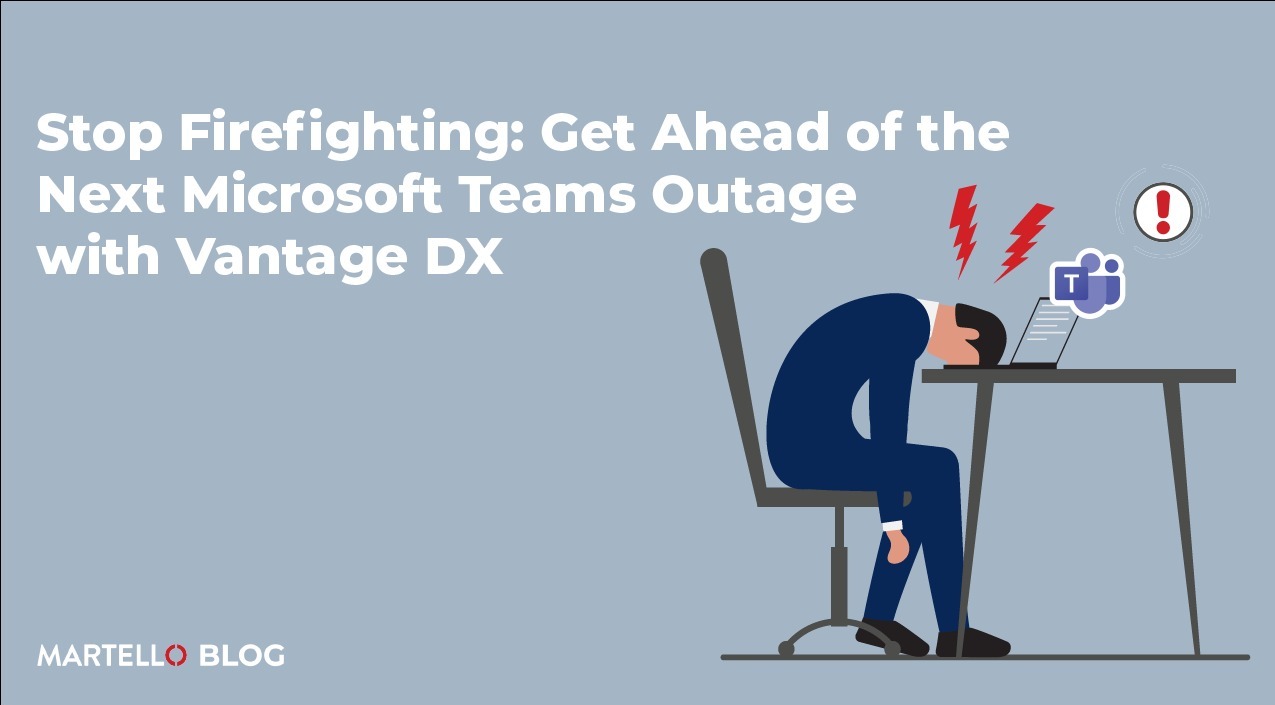
Downtime consumes staff resources: engineers firefight, sales and customer service handle complaints, and executives must manage external communications. This distracts teams from growth work and adds hidden costs.

Section 2: What Actually Happens Technically When a Site Goes Down
Error Types Visitors See
How Downtime Manifests Across the Stack
Outages can originate at multiple layers of the stack — network, DNS, load balancer, web server, application, database, or third-party APIs. Common manifestations:
Chain Reactions and Secondary Failures
One failure often cascades. A database timeout can flood the web layer with retries, overwhelming servers and leading to complete application failure. Understanding these interactions is essential to design resilient systems.
Section 3: The Most Common Causes of Website Downtime
1. Infrastructure and Hardware Failures
Even cloud providers experience hardware failures. Without redundancy, a single failed server or storage array can cause downtime.
2. Network and DNS Issues
DNS misconfigurations, TTL problems, or provider-level DNS outages make your site unreachable even if servers are fine.
3. Software Bugs and Deployment Errors
Poorly tested releases, missing environment configuration, or migrations can introduce regressions that cause crashes or data loss.
4. Traffic Spikes and DDoS Attacks
Unexpected traffic surges or deliberate attacks can saturate resources. Rate limiting, autoscaling, and protective services are essential defenses.
5. Database Overload and Locking
Poorly optimized queries, missing indexes, or runaway jobs can lock or exhaust database connections, stalling the application.
6. Third-Party Service Failures
Dependence on external services (payment processors, identity providers, analytics) creates single points of failure unless mitigated.
7. Human Error
Configuration mistakes, accidental deletions, expired certificates, or rollback failures remain common causes of outages.
Section 4: Quantifying the Cost — Real Numbers and Case Studies
Quantifying downtime helps prioritize investment. Examples:
Case study: a well-known cloud outage in 2020 caused popular apps to be unreachable for hours, affecting millions. The root cause was a configuration change that propagated unexpectedly. Companies with managed incident response and multi-region redundancy recovered faster and lost less revenue.
Section 5: How Managed Hosting Prevents and Reduces Downtime
What Is Managed Hosting?
Managed hosting is a service model where the hosting provider handles infrastructure management tasks: server maintenance, security, monitoring, backups, updates, and incident response. Unlike unmanaged hosting, managed hosting provides proactive care and SLA-backed reliability.
Key Managed Hosting Features That Reduce Downtime
Why Managed Hosting Beats Do-It-Yourself (DIY) for Most Businesses
Internal teams are often smaller and stretched across priorities. Managed hosting gives you access to specialized operations engineers, mature processes, and investments in tooling that are expensive to replicate in-house. For most organizations, this yields better uptime, faster recovery, and predictable costs.
Section 6: Specific Managed Hosting Practices That Minimize Outages
1. Multi-layer Monitoring and Synthetic Checks
Managed providers deploy monitoring across system metrics, application health, and synthetic user journeys. Synthetic checks simulate user actions to detect functional failures before customers do.
2. Multi-region and Multi-AZ Architectures
Deploying across availability zones and regions prevents provider-local outages from taking down your entire site. Managed hosts architect replication, failover, and DNS strategies for resilient traffic routing.
3. Blue-Green and Canary Deployments
Advanced release strategies reduce deployment risk. Managed hosts often provide tooling and runbooks to execute safe rollouts and rapid rollbacks.
4. Automated Backups and Disaster Recovery Plans
Backups are only useful if they’re tested. Managed hosts run scheduled backups, verify integrity, and run disaster recovery rehearsals.
5. Security and DDoS Mitigation
Managed providers include WAFs, rate limiting, IP blacklisting, and DDoS scrubbing to keep malicious traffic from causing legitimate service outages.
6. Capacity Planning and Load Testing
Proactive load testing and capacity planning ensure you have headroom for traffic spikes. Managed hosts recommend and implement autoscaling thresholds to maintain performance.
Section 7: How Managed Hosting Shortens Mean Time to Recovery (MTTR)
Mean Time to Recovery (MTTR) measures how quickly you restore service after an outage. Managed hosting reduces MTTR through:
Faster MTTR directly reduces the financial and reputational impact of outages.
Section 8: Practical Steps to Take Now — Downtime Prevention Checklist
Use this checklist to harden your site and evaluate managed hosting options:
Section 9: Choosing the Right Managed Hosting Provider
Must-Have Criteria
Evaluate with These Questions
Section 10: Cost-Benefit: Is Managed Hosting Worth It?
Compare the cost of managed hosting to the expected cost of downtime. For many organizations, a modest monthly hosting premium is far less than the revenue and reputation losses from even a single serious outage. Consider:
In short, managed hosting converts unpredictable downtime risk into a predictable operational expense that yields measurable risk reduction.
Section 11: Real-World Examples and Case Studies
Case Study 1: E-commerce Retailer — From Weekly Outages to 99.99% Uptime
A mid-size retailer faced frequent checkout failures during peak promotions. After migrating to managed hosting with autoscaling, database replication, and thorough monitoring, outages dropped from weekly incidents to nearly zero. Conversion rates improved and the team reclaimed operational hours to focus on merchandising.
Case Study 2: SaaS Provider — Faster Recovery After a Database Corruption
A SaaS company experienced data corruption from a failed migration. With managed backups and point-in-time recovery implemented, the provider restored service within 90 minutes with minimal data loss, limiting churn and preserving customer trust.
Case Study 3: Media Site — Resilience During Viral Traffic Spike
A news site saw a sudden traffic surge after a viral story. Managed hosting’s CDN + autoscaling configuration served millions of requests without service degradation, avoiding the massive ad revenue and reputation losses that would have occurred with an unmanaged setup.
Section 12: FAQs — Voice-Search Optimized Answers
What is the fastest way to get a site back online?
Activate your disaster recovery plan: redirect traffic to failover infrastructure, restore the most recent clean backup, and communicate status to users. Managed hosts often handle these steps automatically or with guided support.
How often should I test backups?
Monthly restores are a minimum; critical systems should be tested weekly. Testing validates backup integrity and the recovery process.
Can managed hosting fully prevent downtime?
No provider can guarantee zero risk, but managed hosting significantly reduces the likelihood and impact of outages through redundancy, monitoring, and professional operations practices.
Is a CDN necessary to prevent downtime?
A CDN helps with availability and performance by offloading traffic, caching content at the edge, and absorbing certain traffic surges. It’s a highly recommended component of a resilient architecture.
Section 13: Internal and External Link Suggestions
Internal link suggestions (anchor text recommendations):
External authoritative sources to cite (open in new window):
Section 14: Image and Schema Recommendations
Image suggestions and alt text:
Schema markup recommendation:
Use Article schema with author, publish date, and mainEntityOfPage. Include FAQPage schema for the FAQ section to improve chances for featured snippets.
Section 15: Social Sharing Optimization
Suggested social copy and hashtags:
Suggested image sizes: 1200×630 for Twitter and LinkedIn previews; ensure the primary image includes a clear headline overlay for better engagement.
Conclusion — Protect Revenue, Reputation, and Sanity with Managed Hosting
Website downtime is more than an inconvenience — it’s quantifiable financial loss, reputational damage, and operational drag. The causes are many, but the solution isn’t to accept outages as inevitable. Managed hosting offers proactive monitoring, redundancy, security, and expert incident response that dramatically reduce both the likelihood and impact of outages. For most organizations, the cost of managed hosting is easily offset by avoided downtime, improved performance, and the ability to focus internal teams on strategic priorities
about the author

Making sure your website stands out in the Great North.
